Zoom


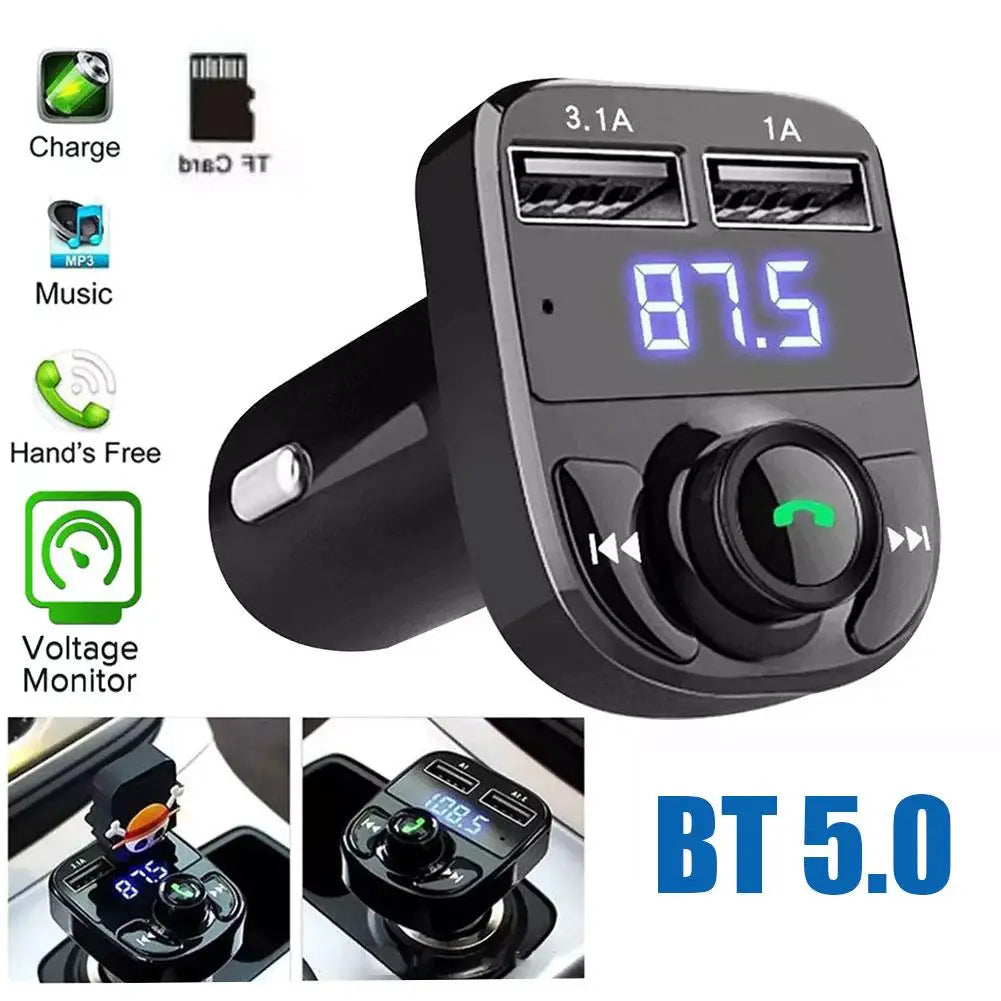


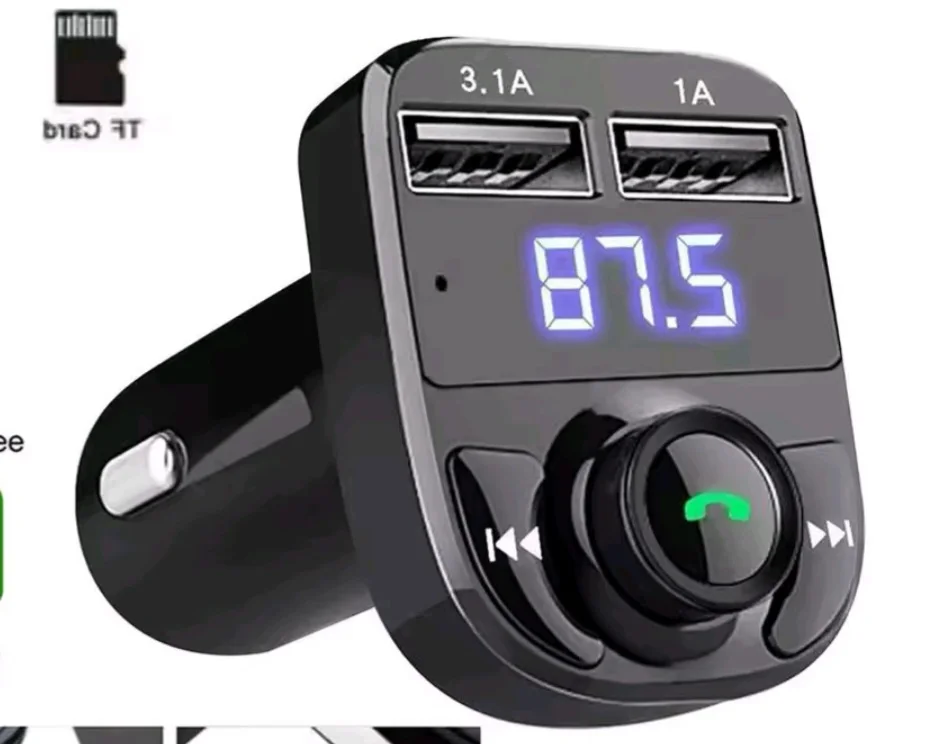
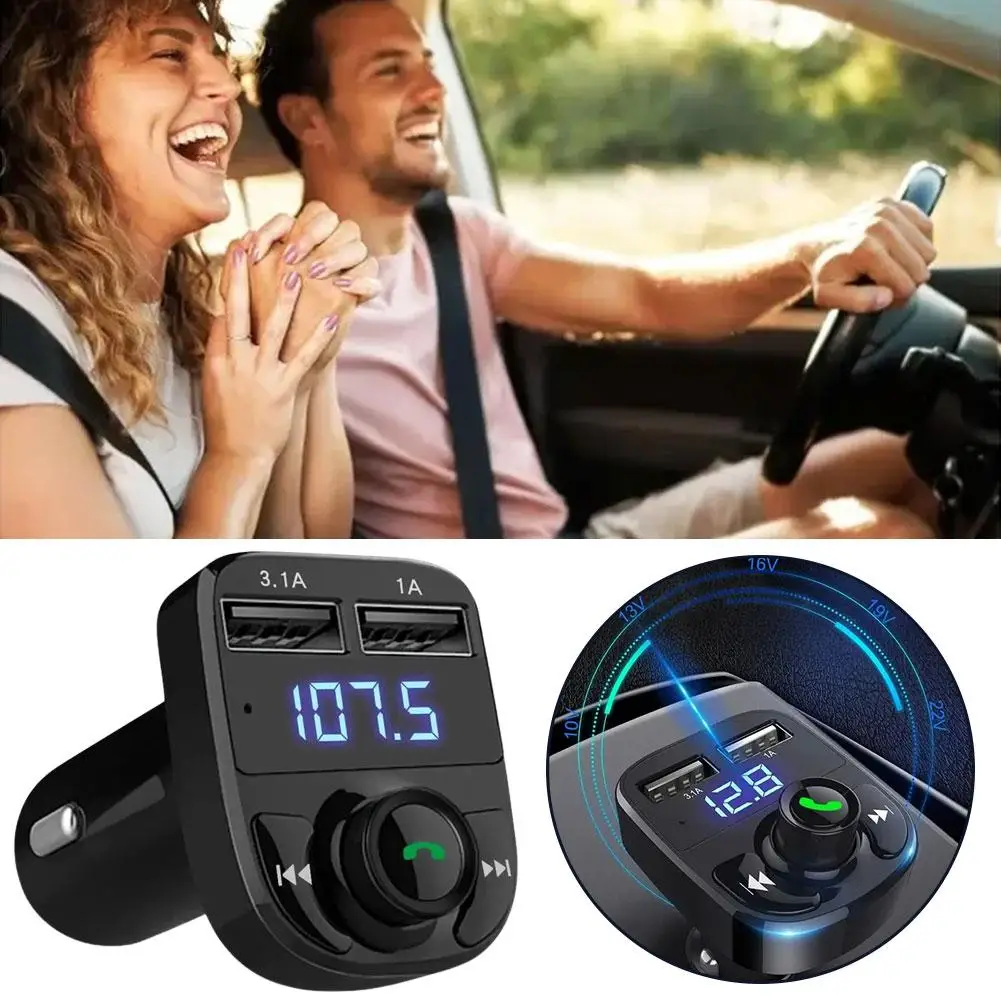
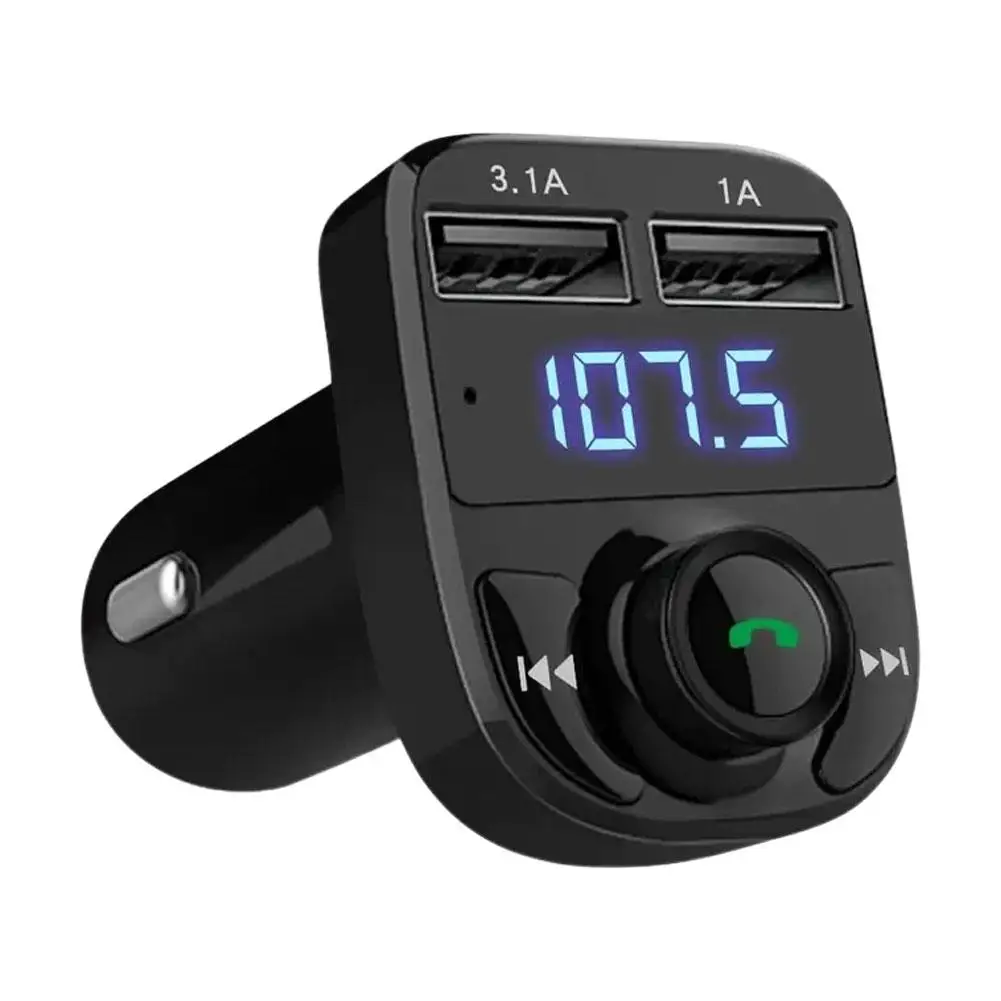
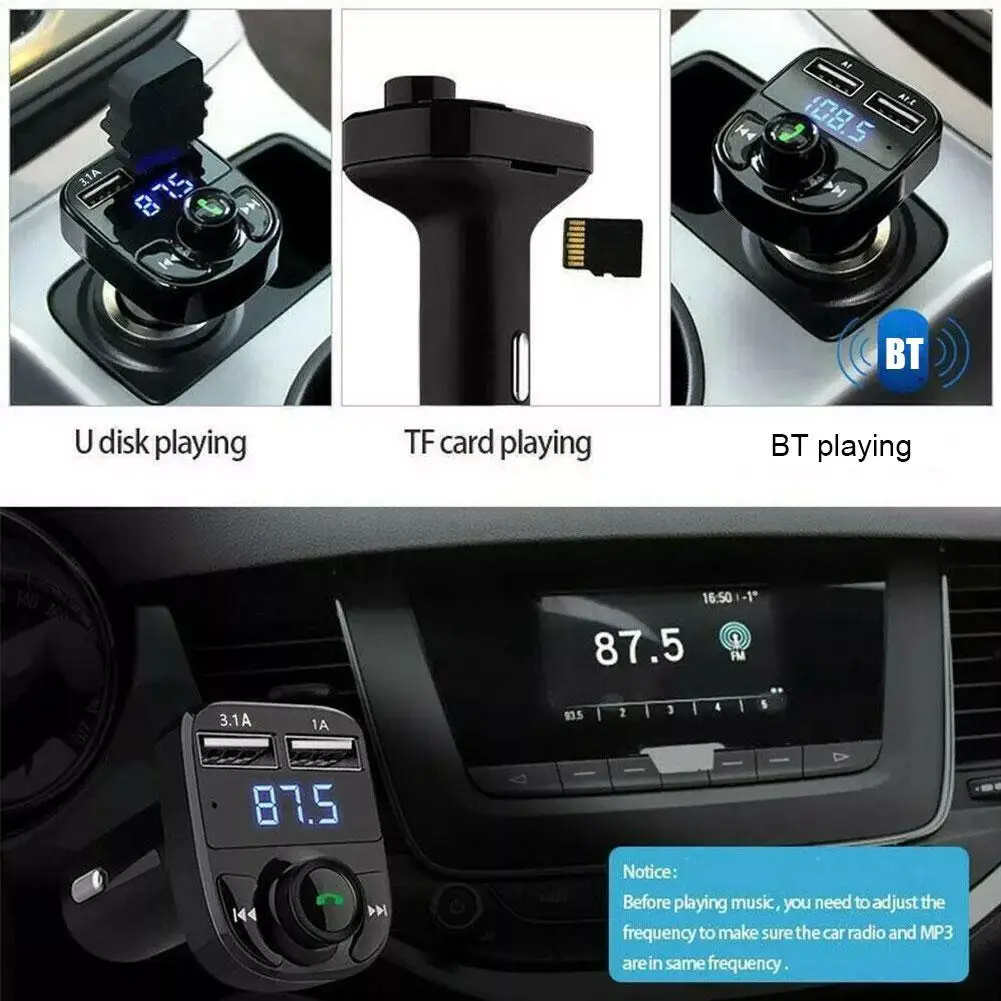
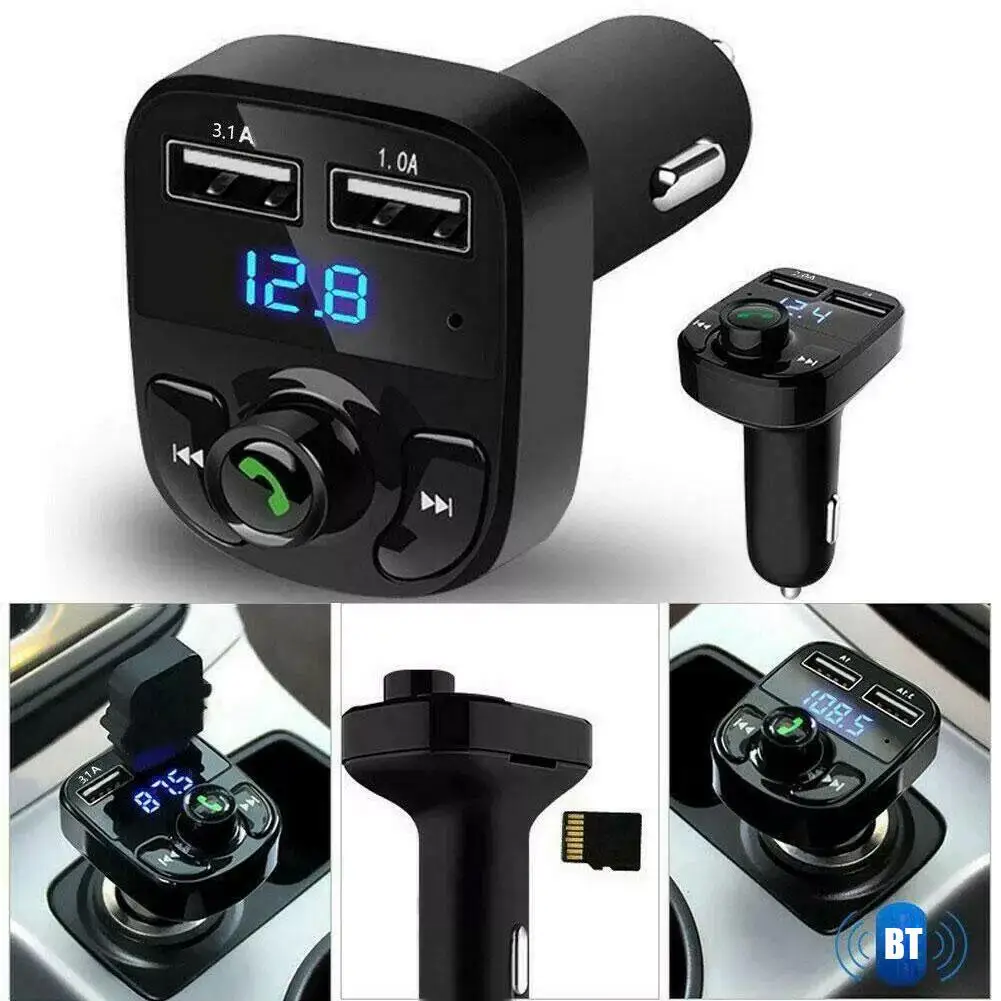
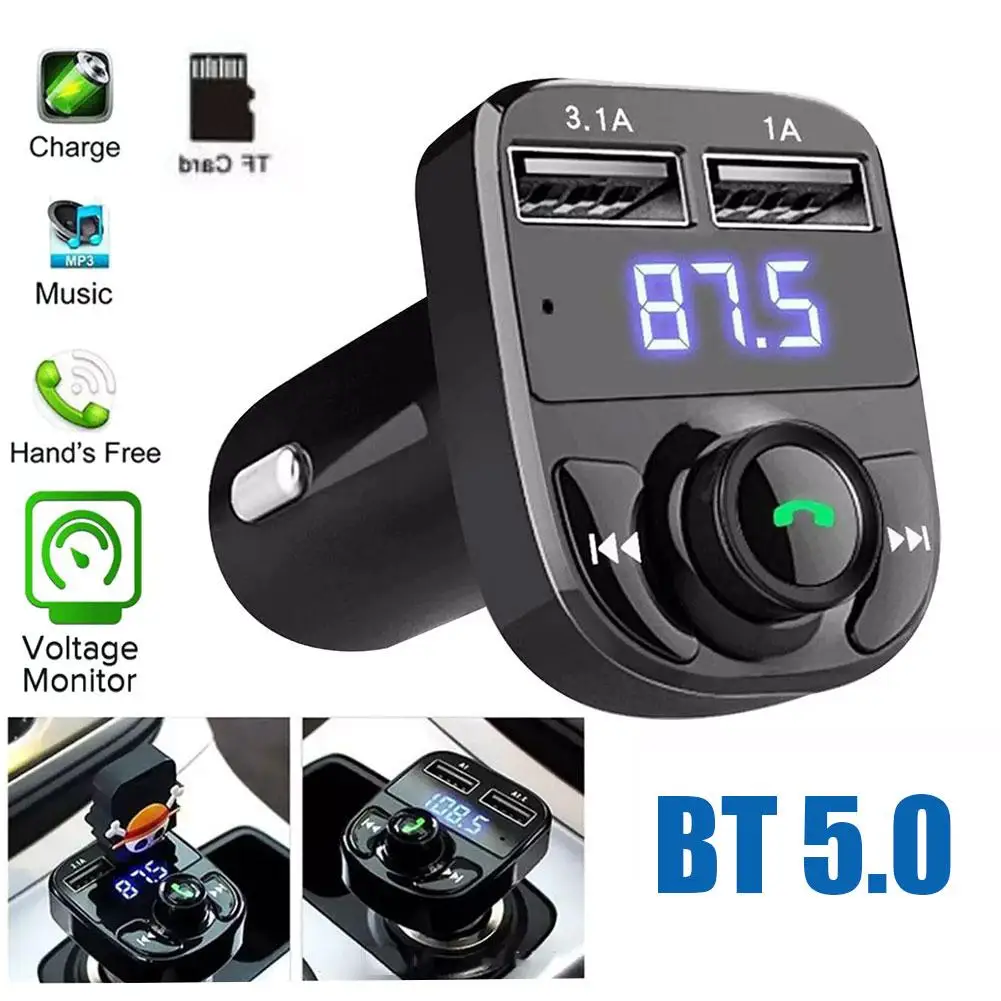
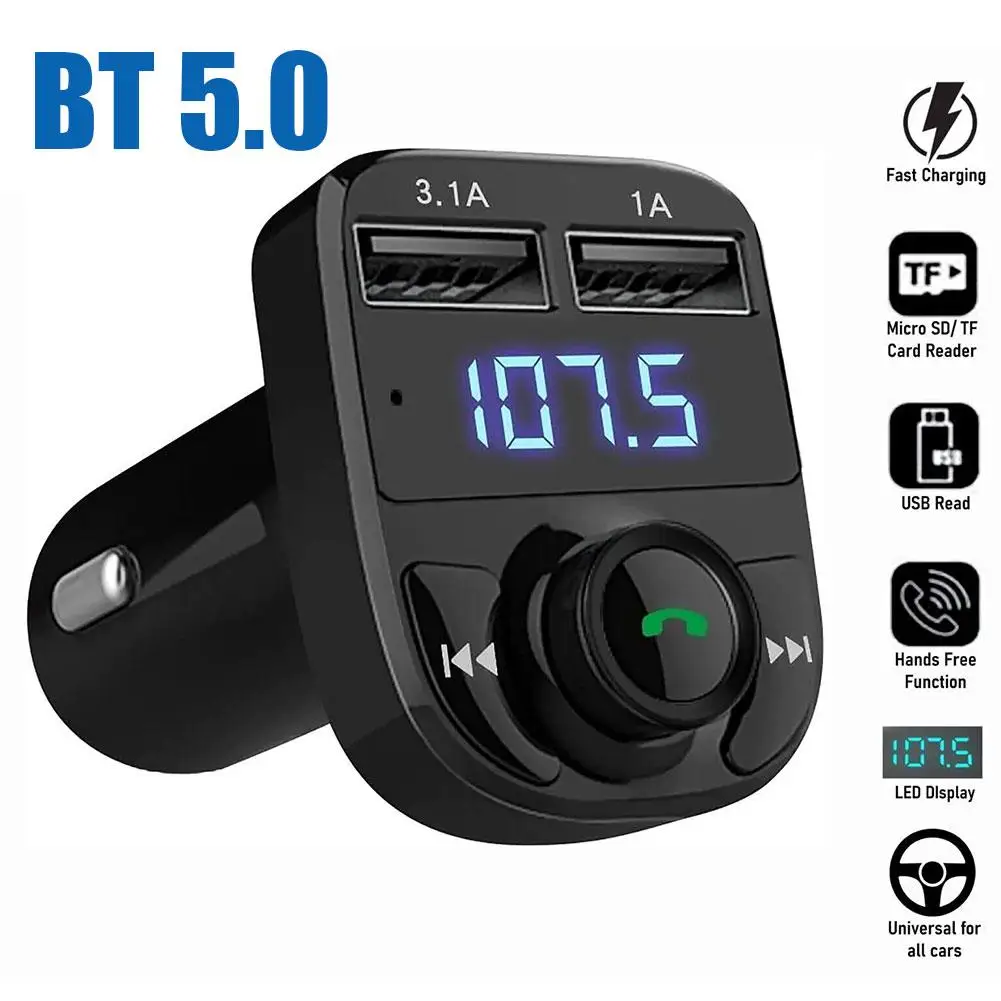
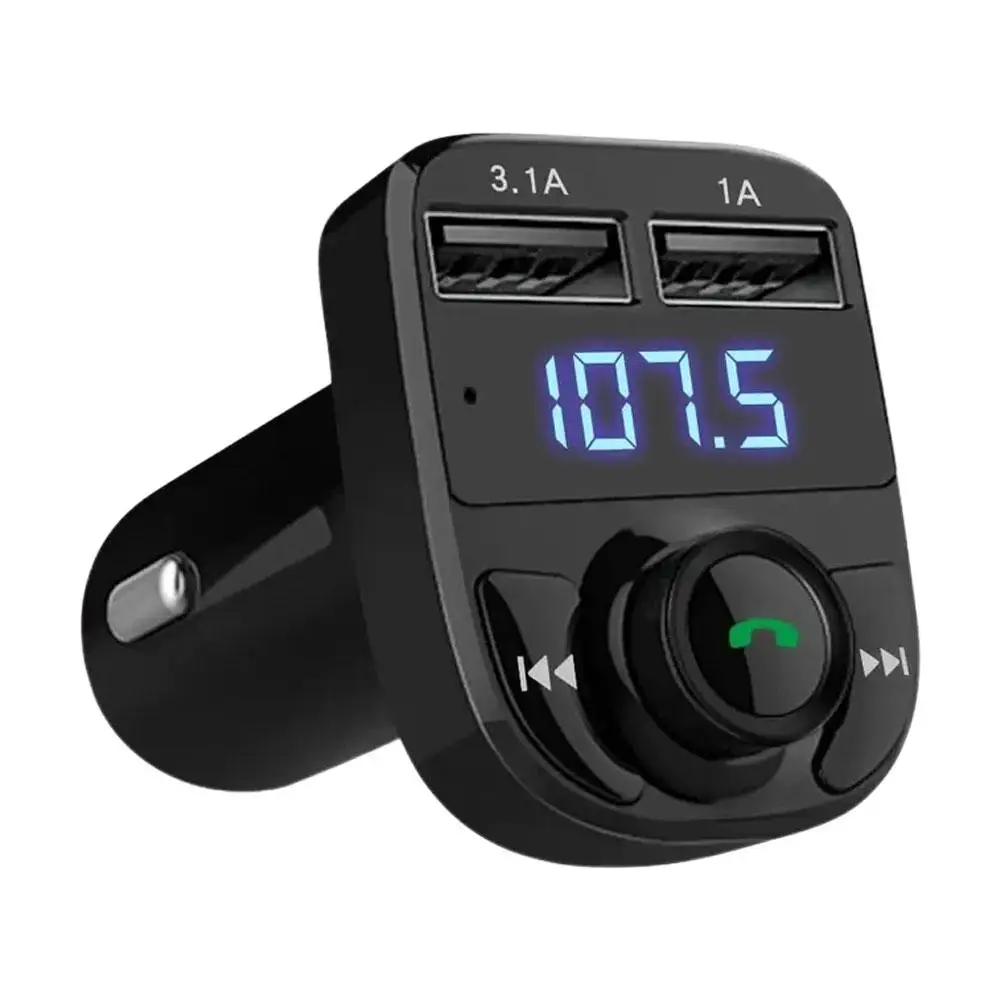
Enjoy wireless music and hands-free calling through your vehicle’s existing stereo with this Bluetooth 5.0 FM transmitter. It plugs directly into a compatible 12V or 24V vehicle power socket, making it suitable for many cars, SUVs, vans and trucks equipped with an FM radio.
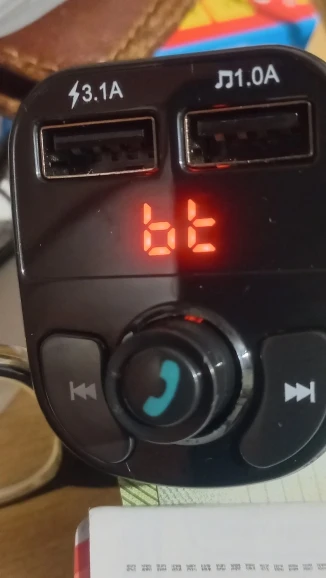
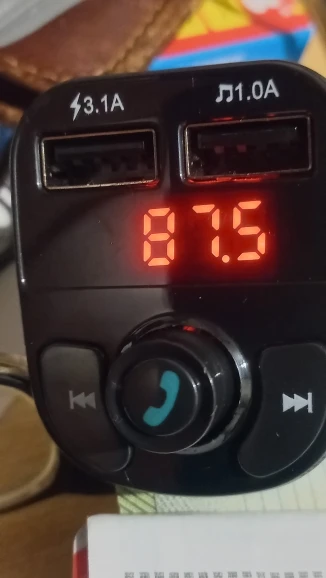
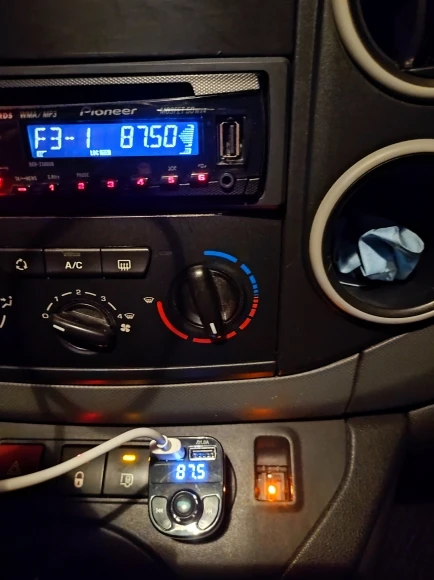
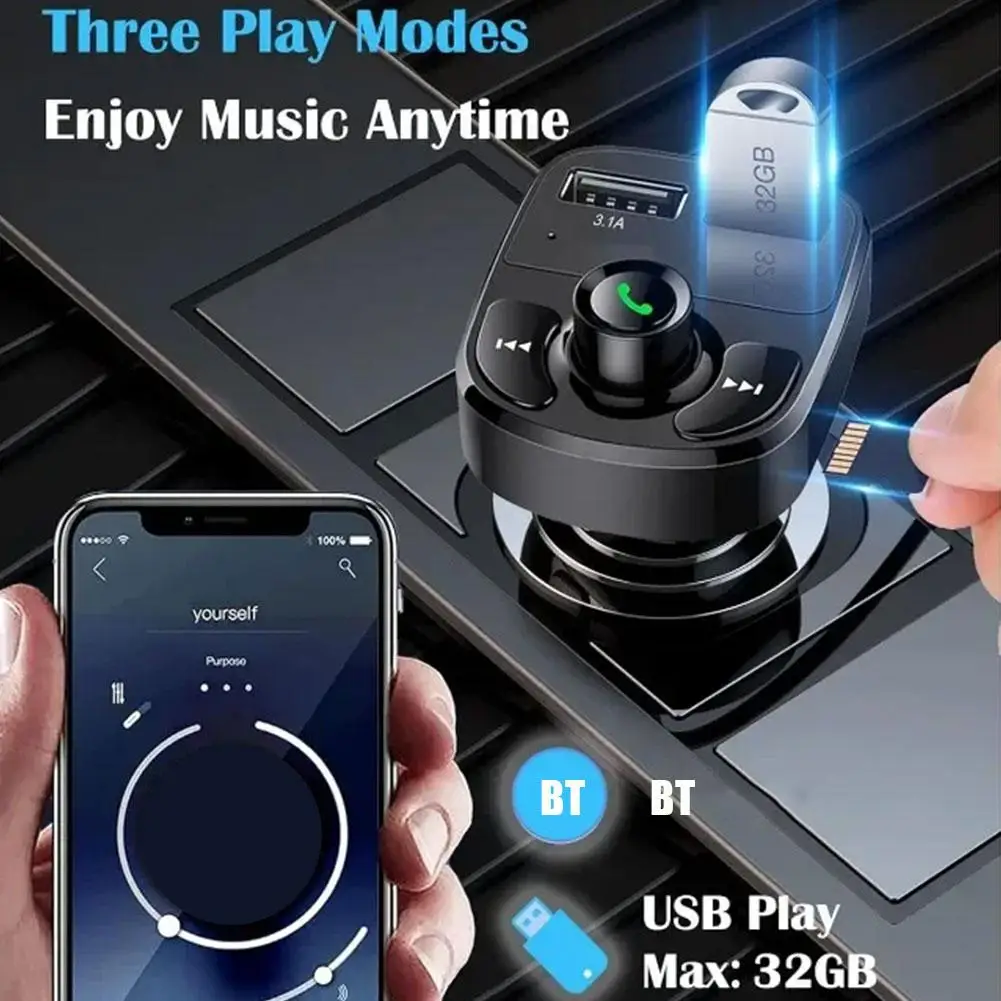
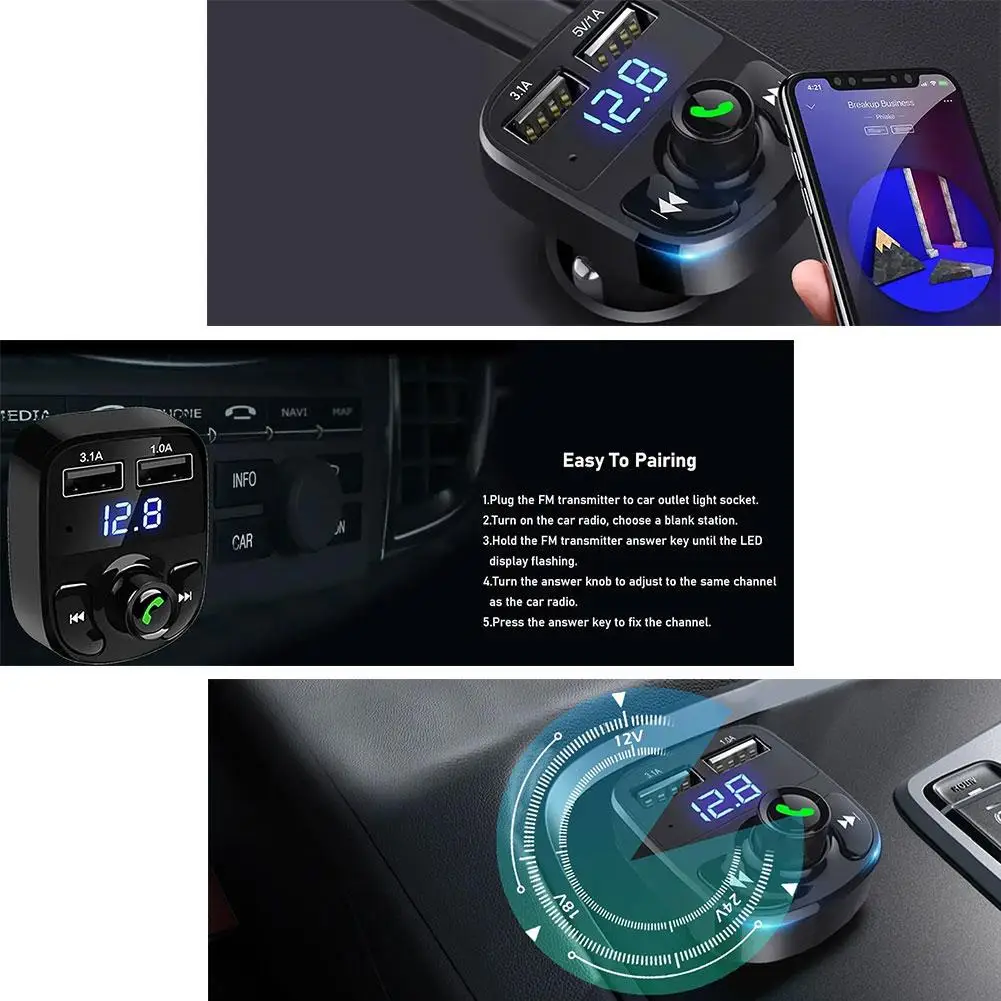
Connect a compatible smartphone through Bluetooth and transmit its audio over an available FM frequency. Tune the vehicle radio and transmitter to the same frequency between 87.5 and 108MHz to hear music, navigation audio and supported calls through the car speakers.
For the clearest sound, select an FM frequency that is not occupied by a local radio station.
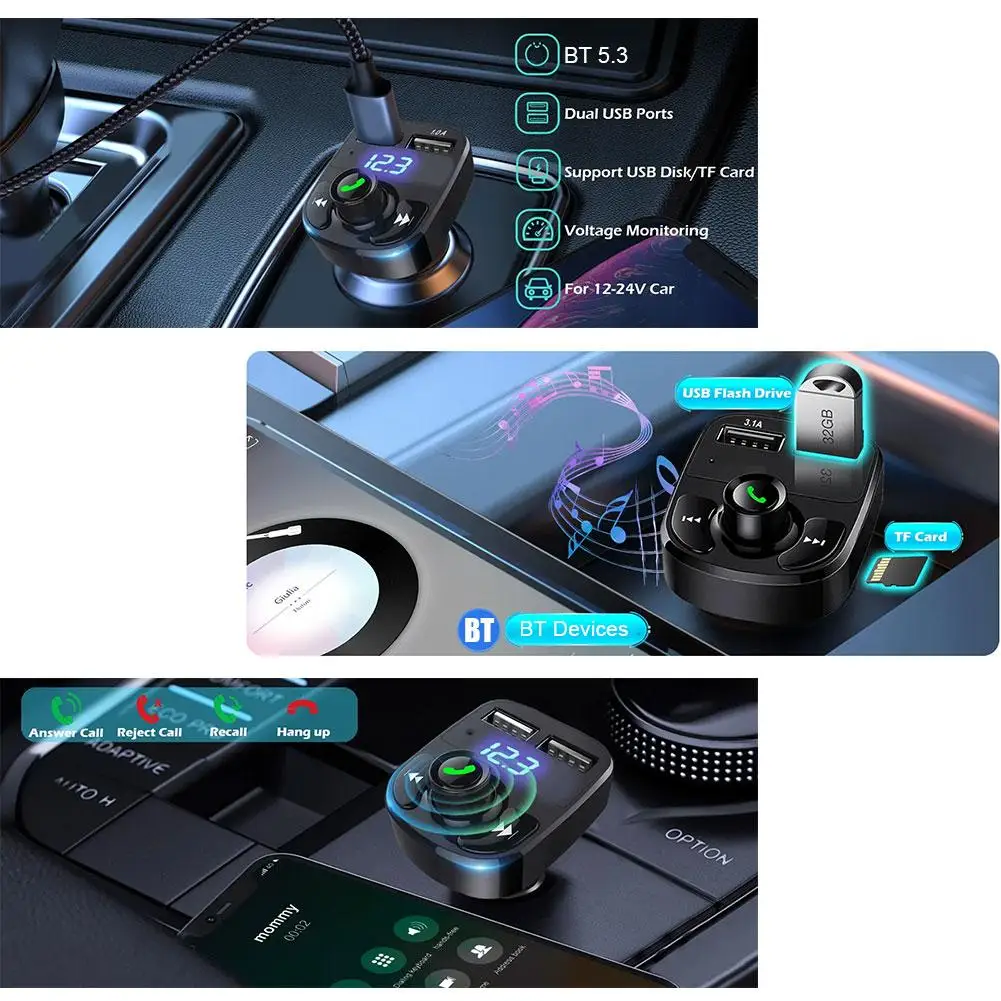
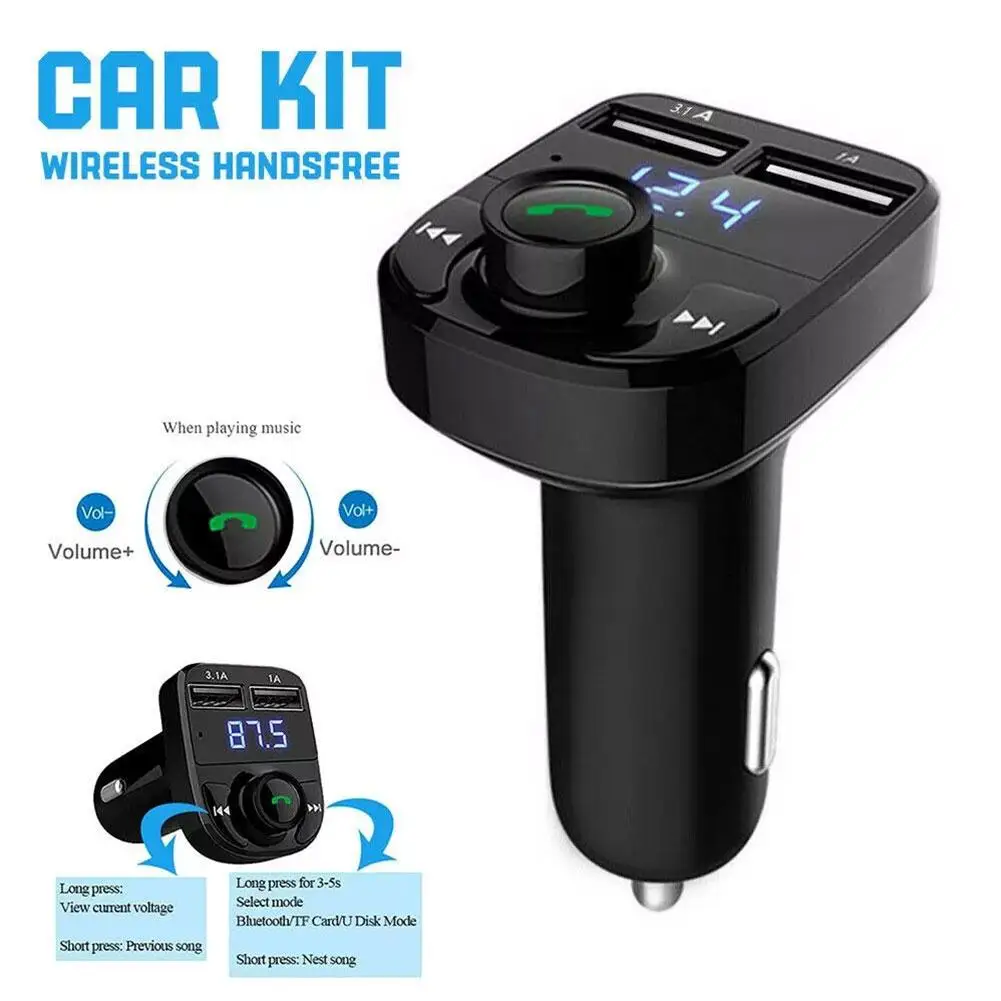
Use the integrated controls to answer or end compatible calls without holding your phone. The supplier lists a noise-reducing microphone designed to improve voice clarity during conversations.
Call quality can vary according to the mobile signal, vehicle noise, microphone position and FM interference.
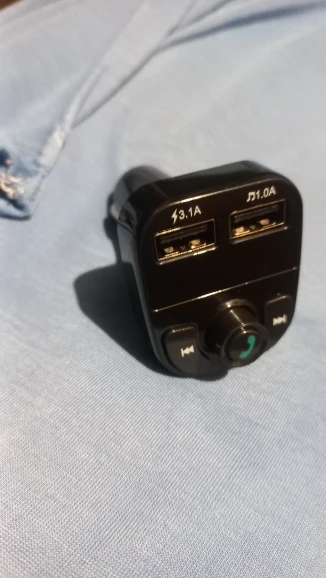
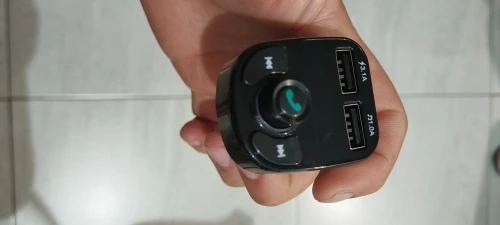
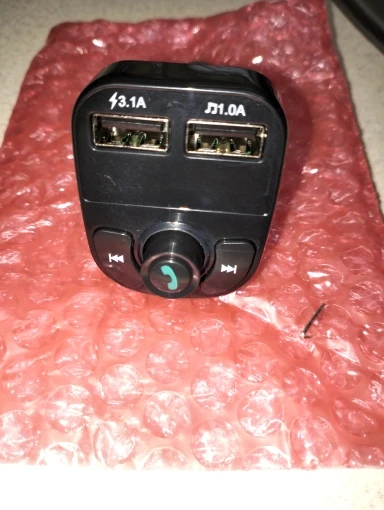
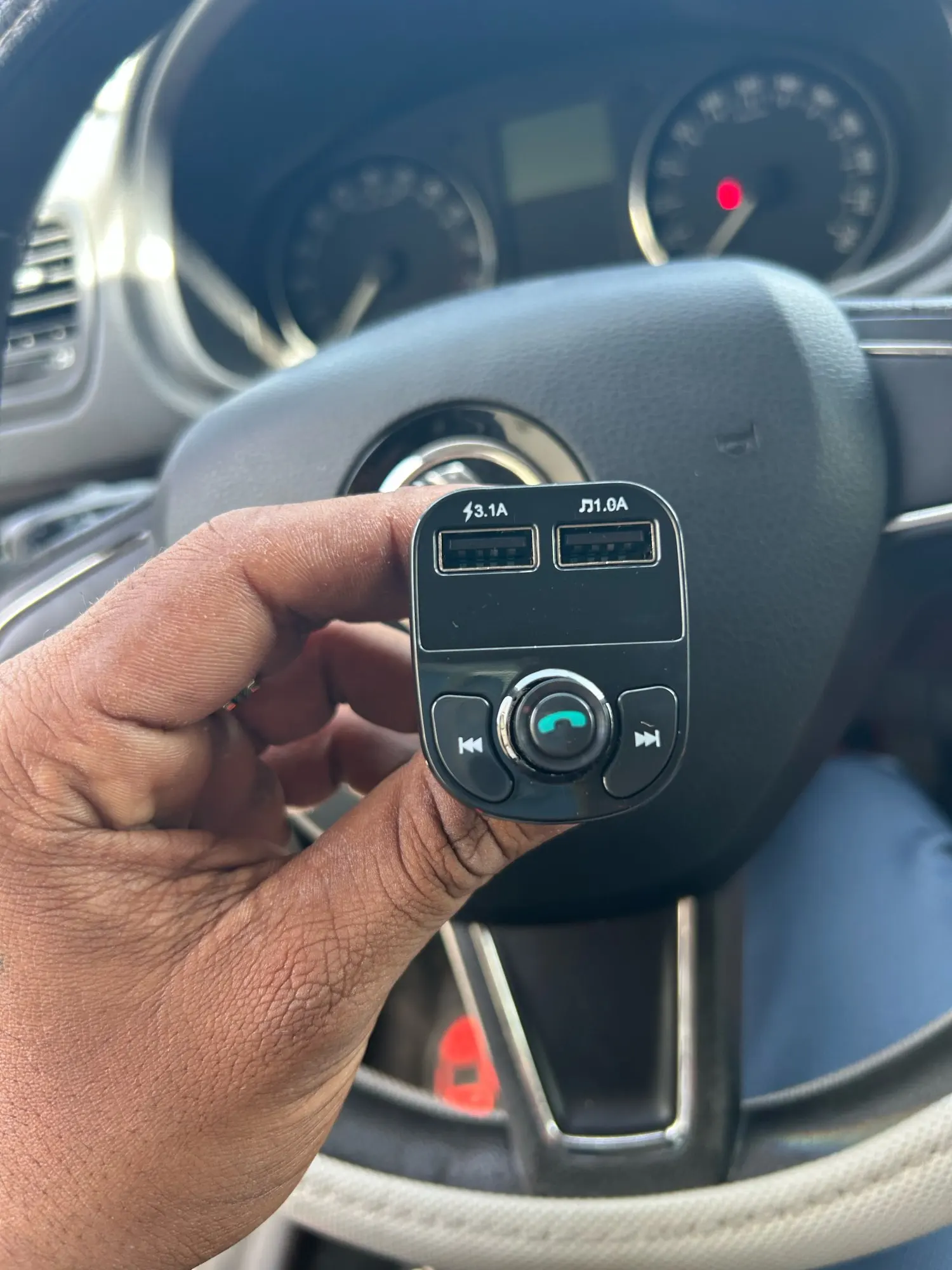
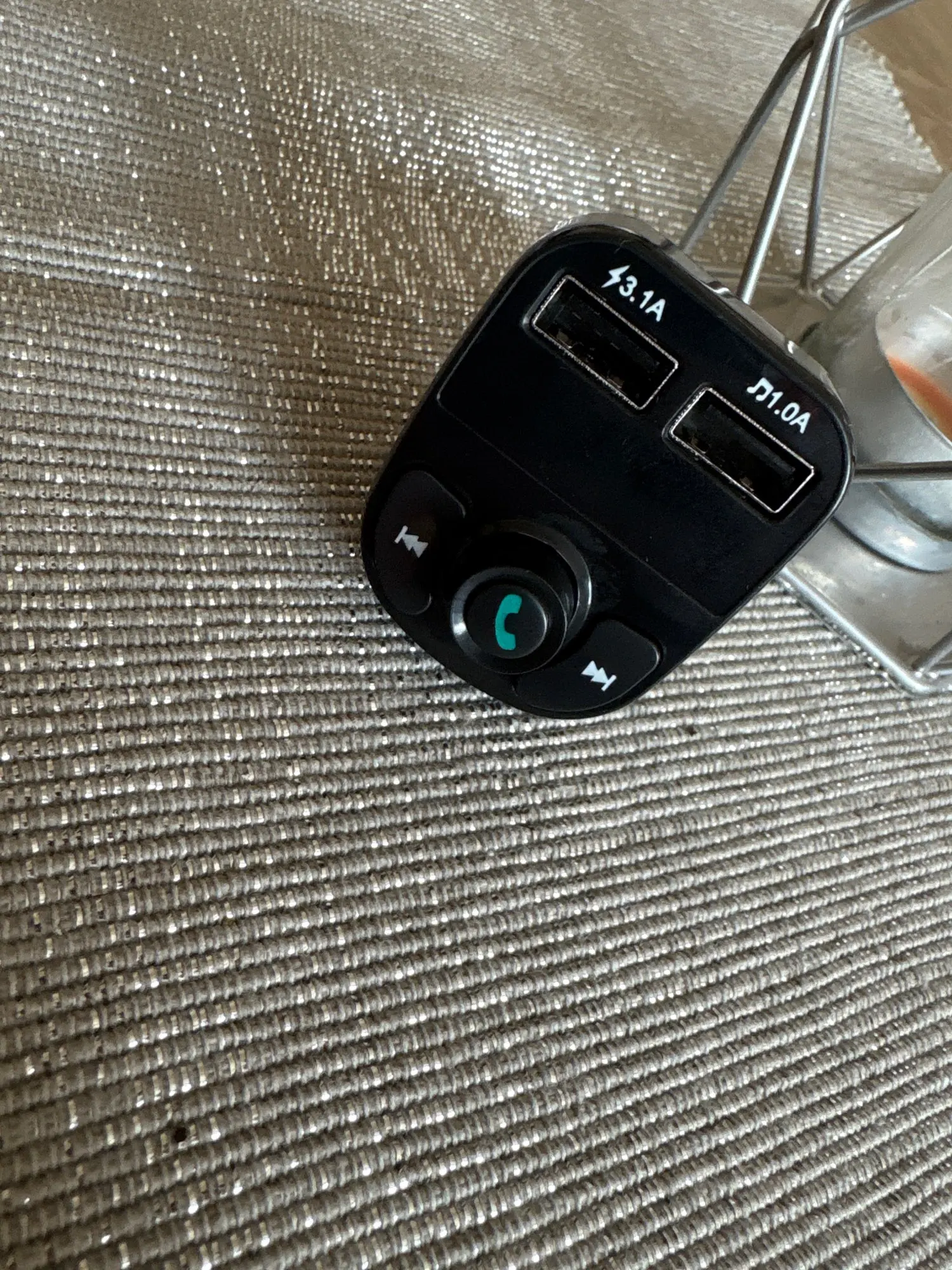
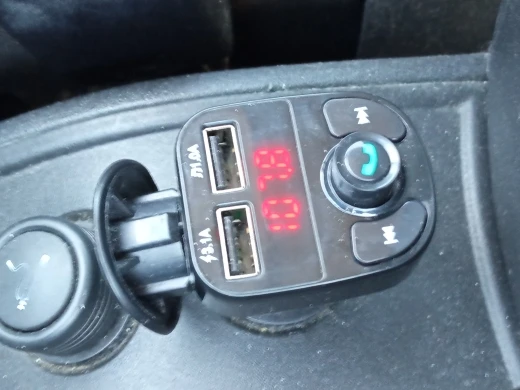
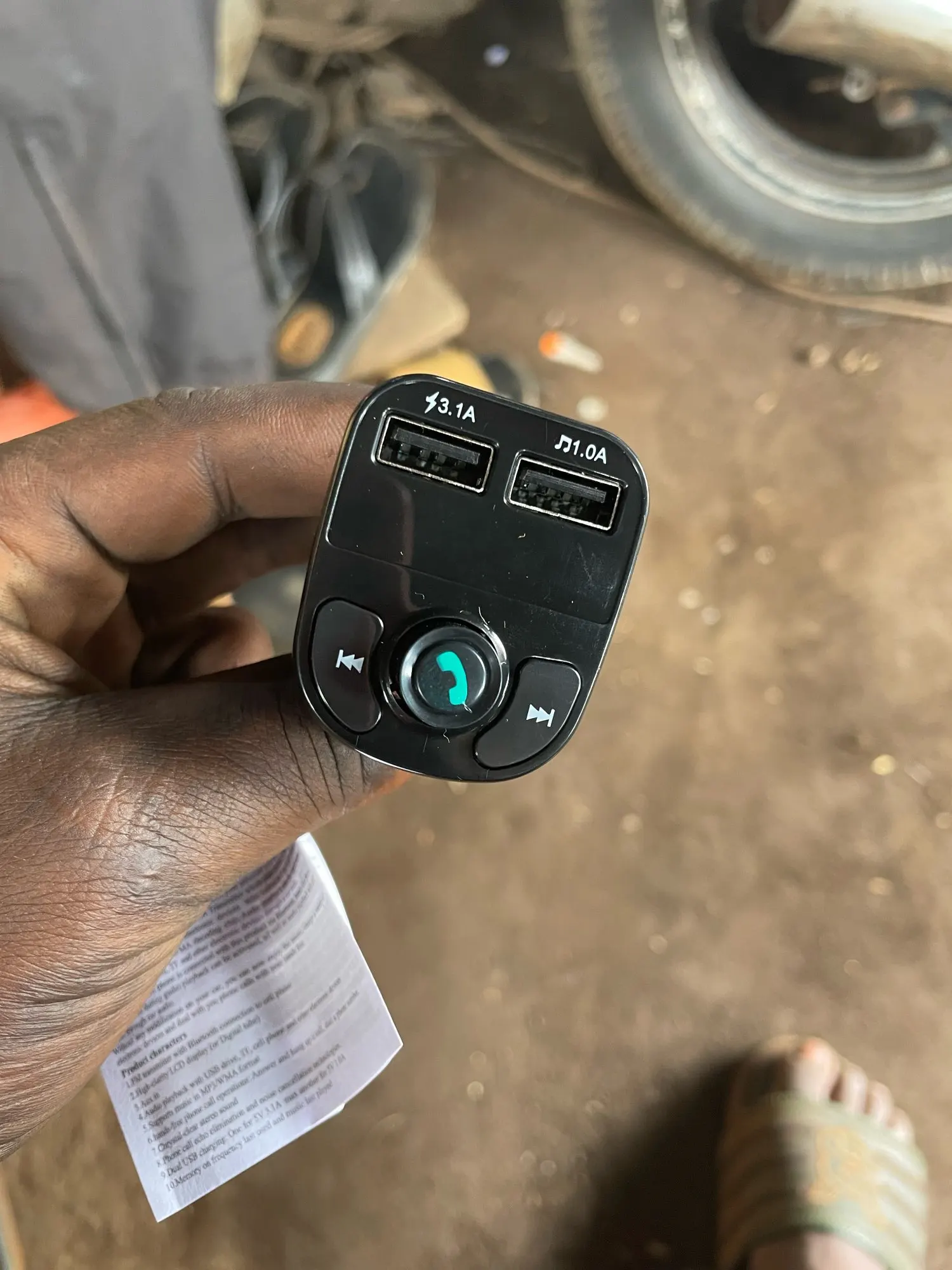
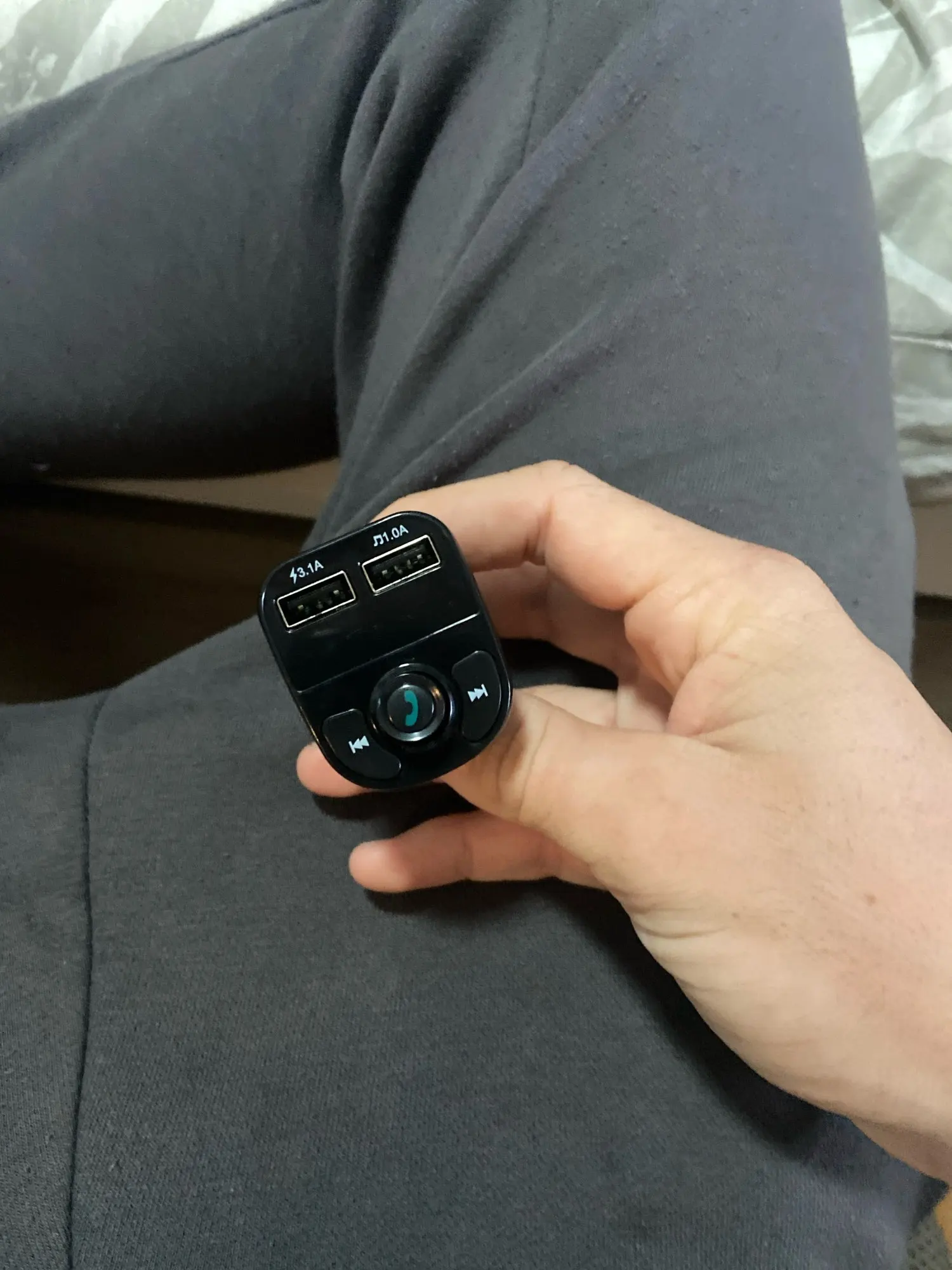
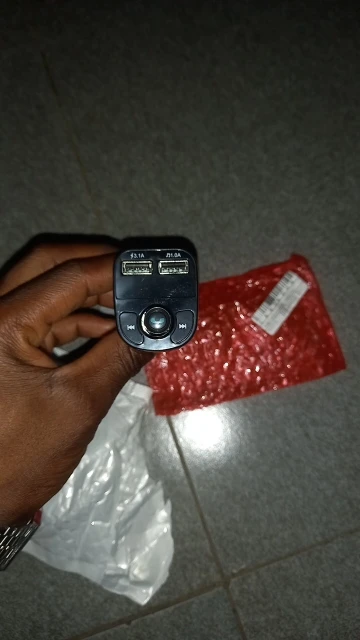
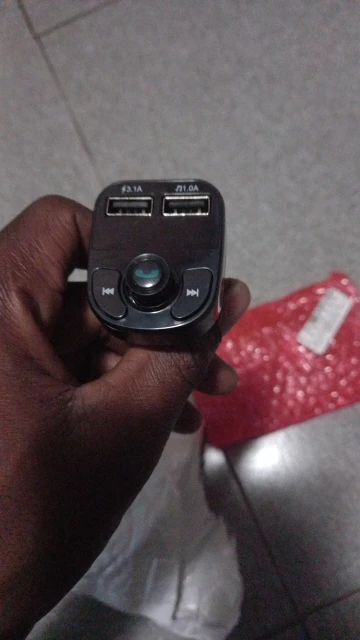
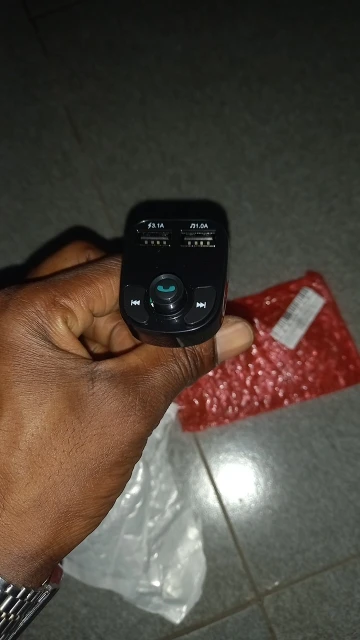
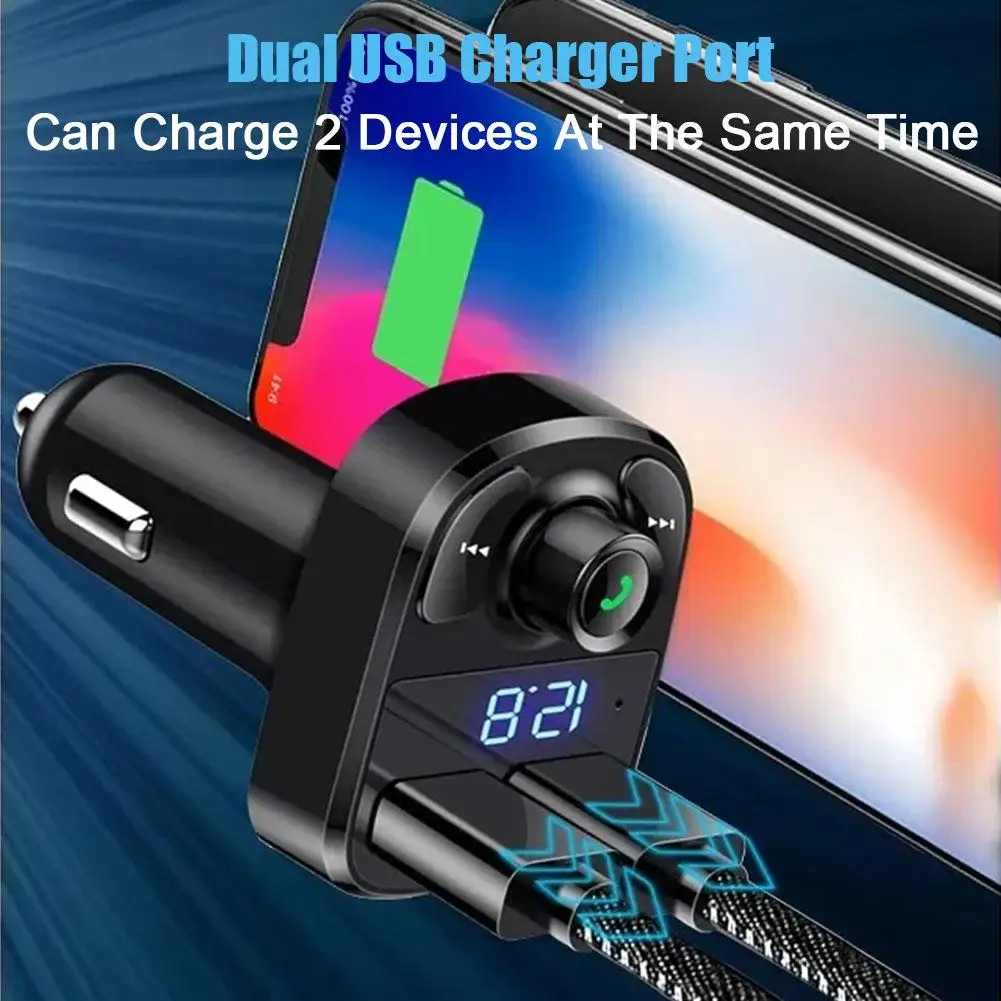
Two USB ports provide a supplier-listed combined output of up to 3.1A, allowing two compatible USB-powered devices to be charged simultaneously.
This product does not list USB Power Delivery, Qualcomm Quick Charge or another named rapid-charging protocol. Charging speed depends on the connected device, cable and shared output.
Prefer to play saved music without using your phone? Insert a compatible USB flash drive containing supported audio files and enjoy your personal playlist through the car stereo. The transmitter supports supplier-listed USB storage capacities up to 32GB.
The USB flash drive is not included.
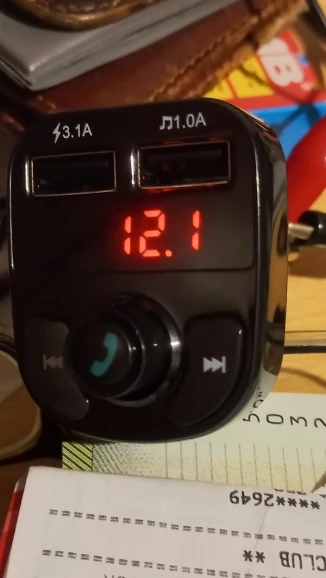
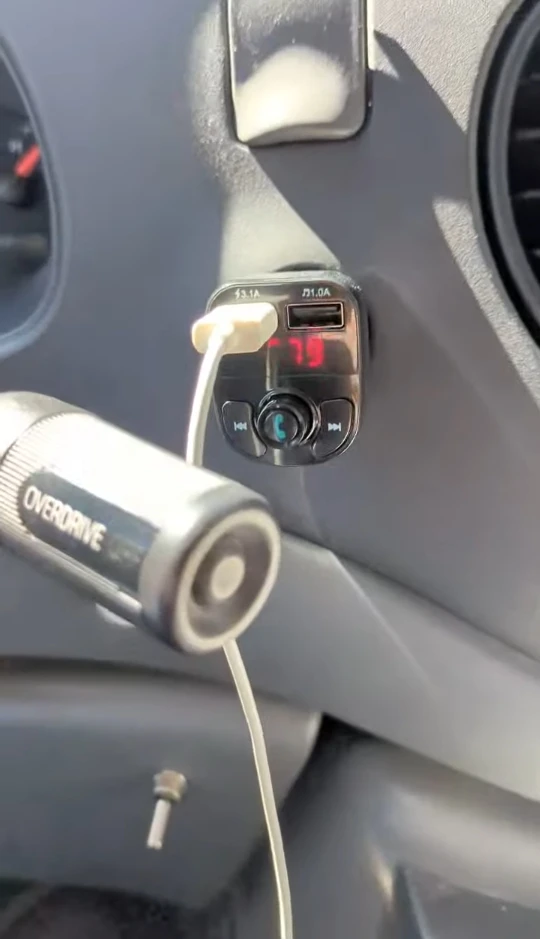
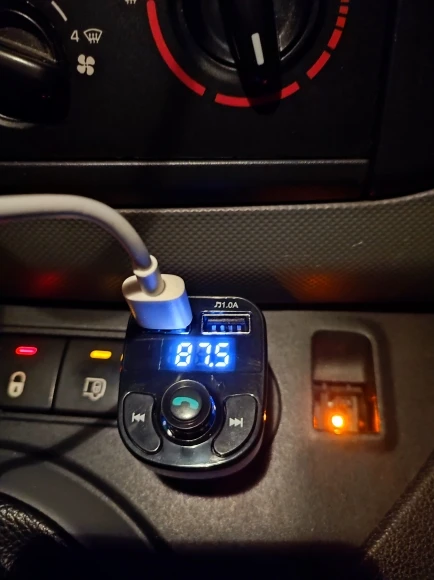
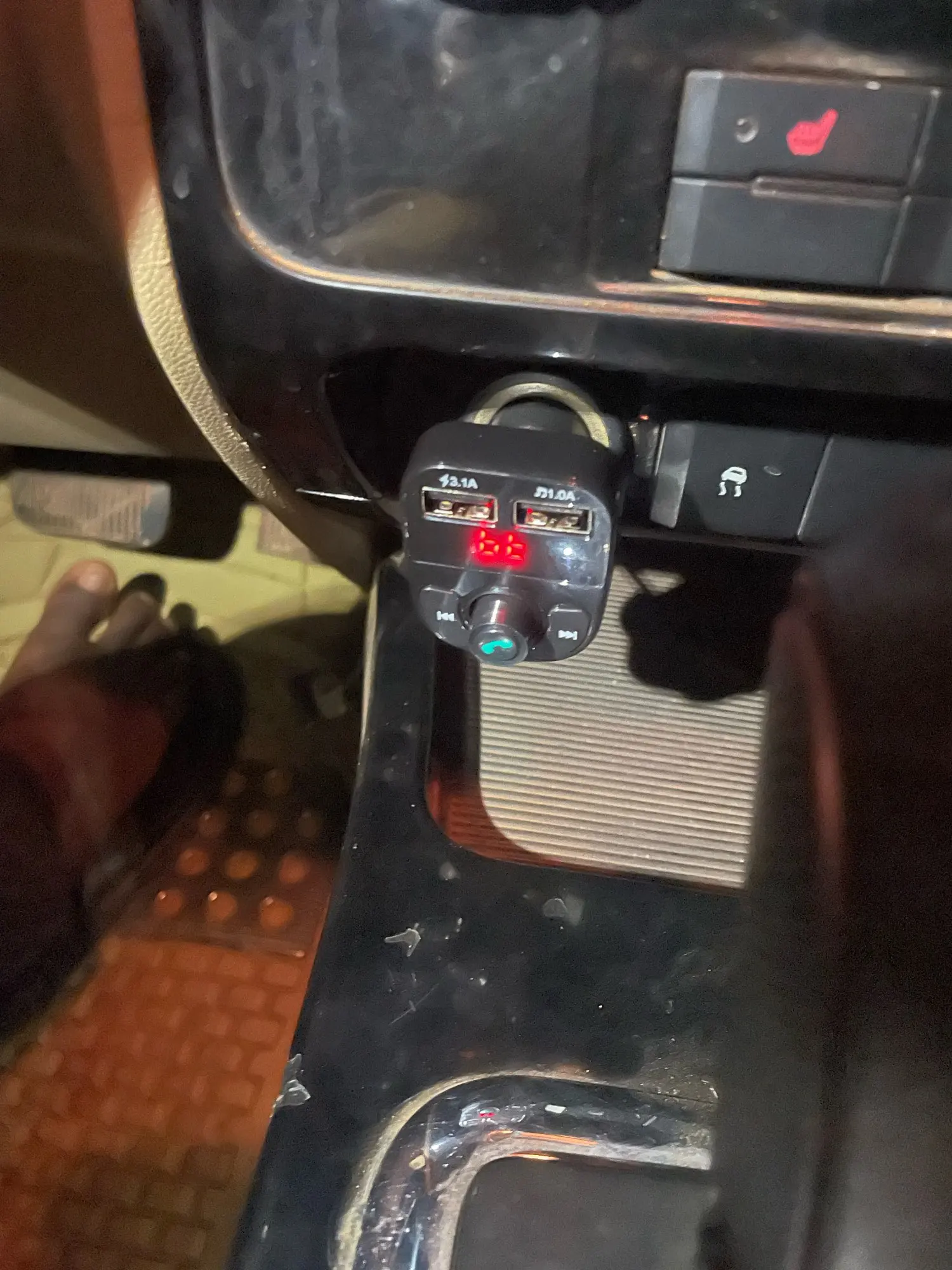
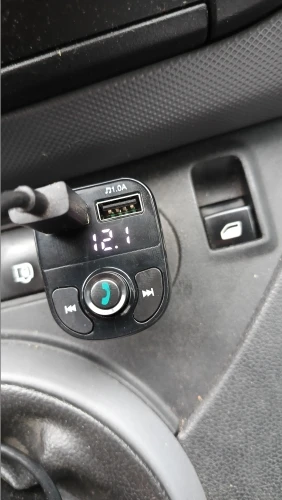
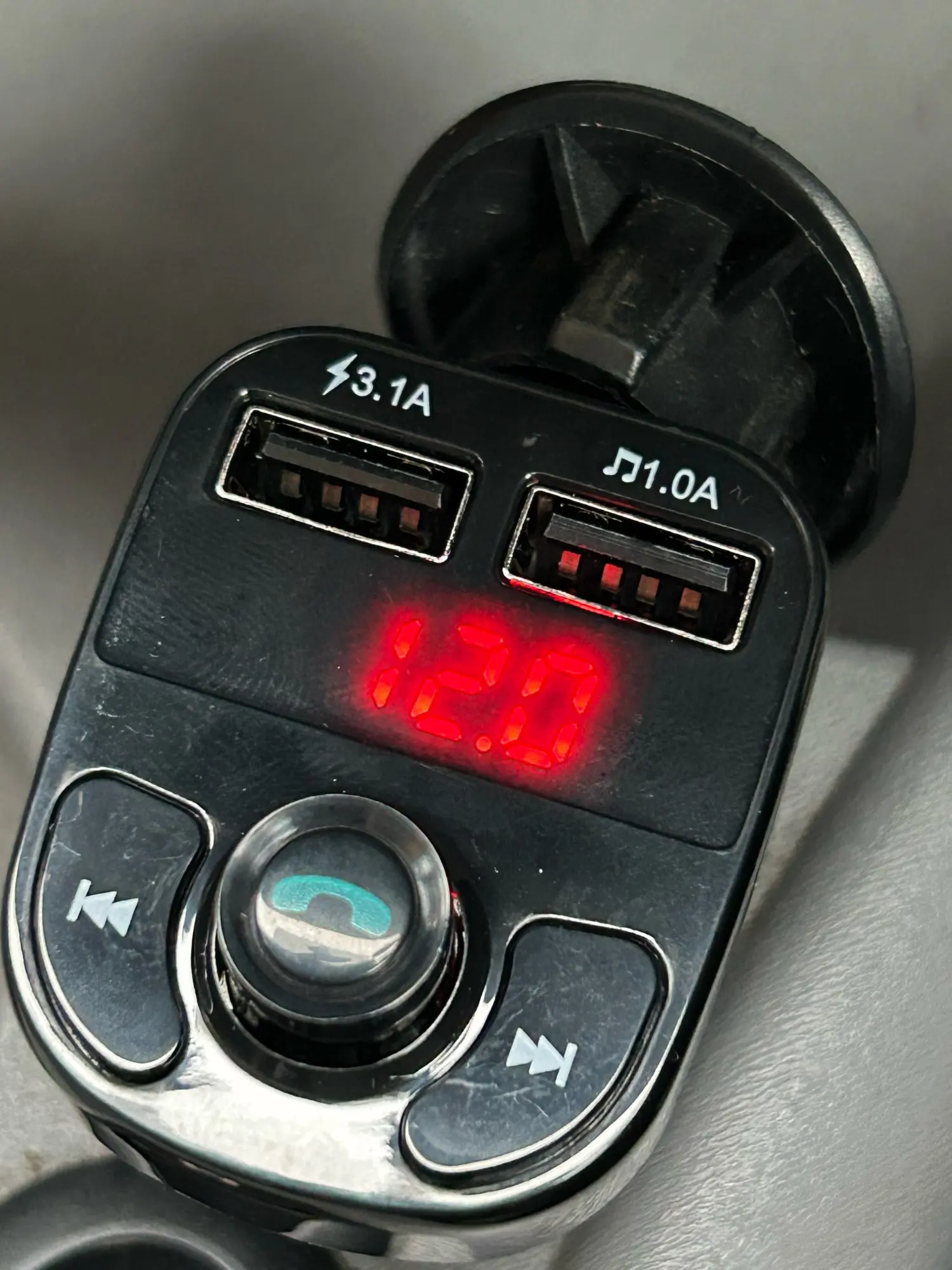
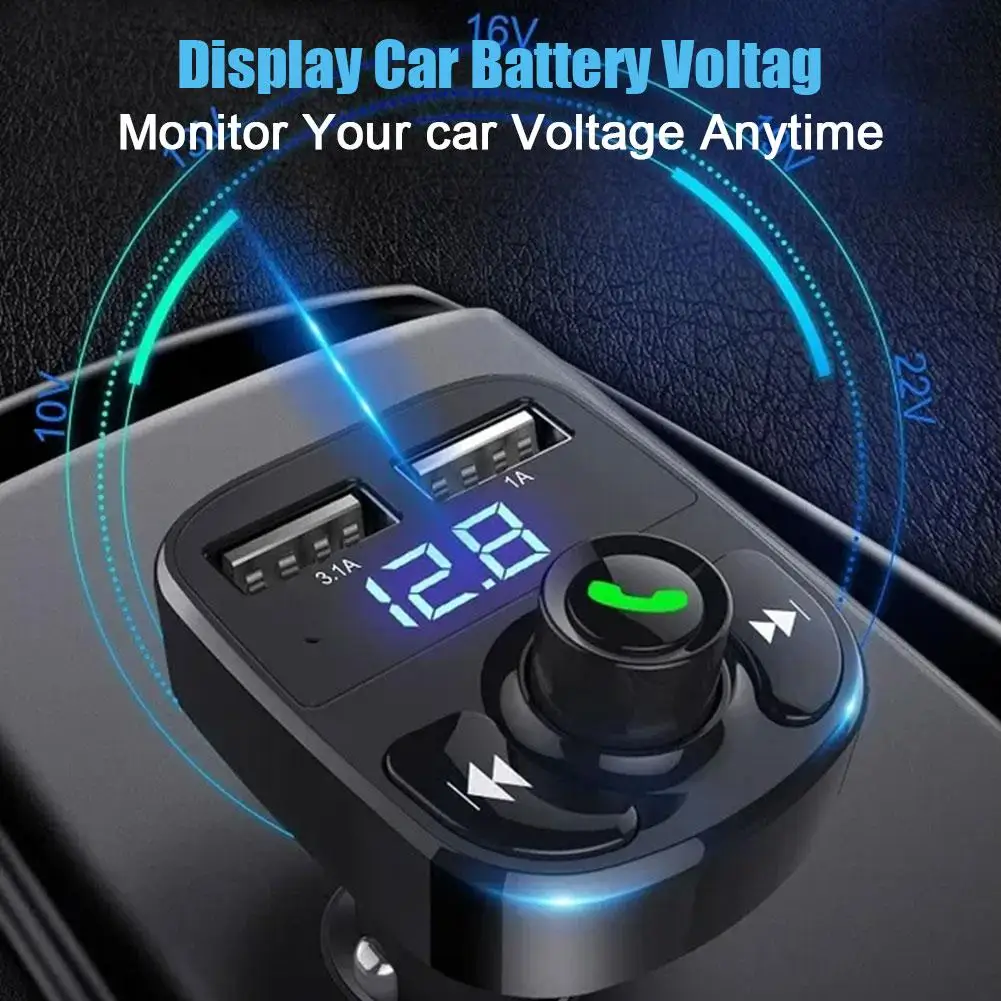
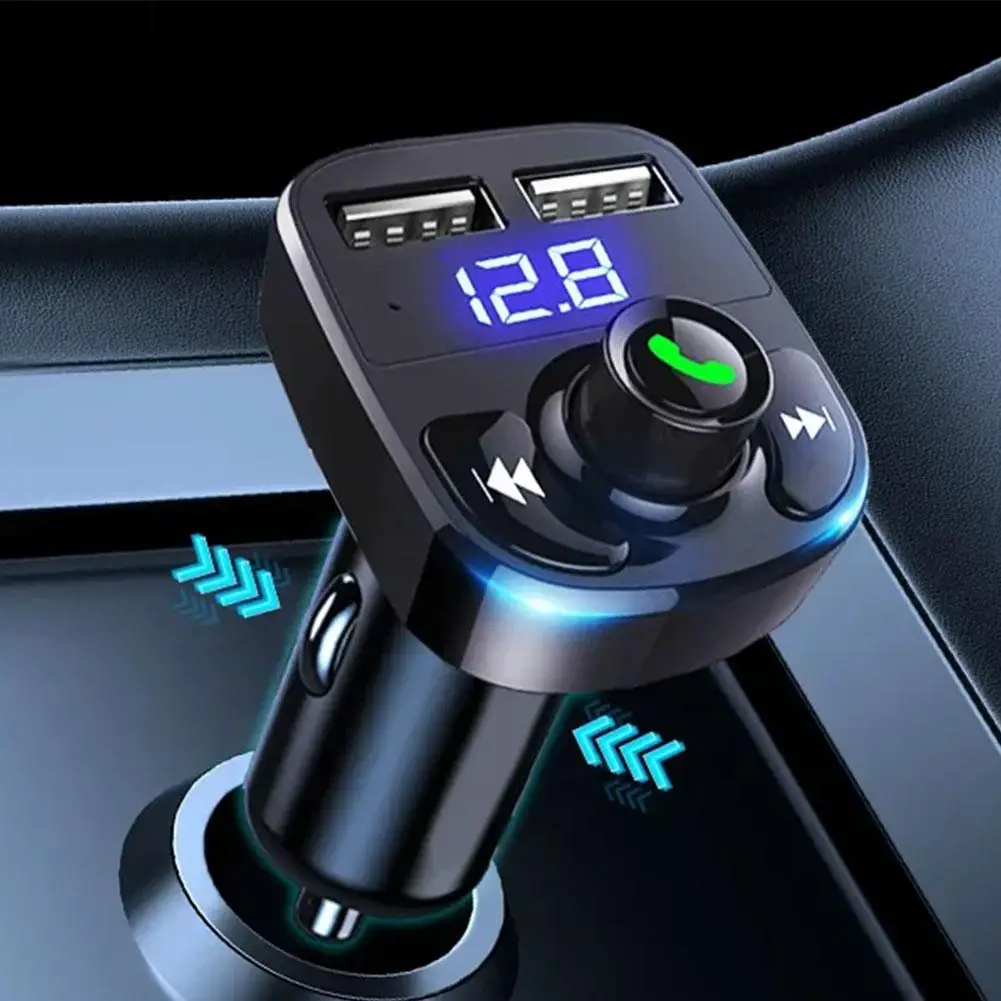
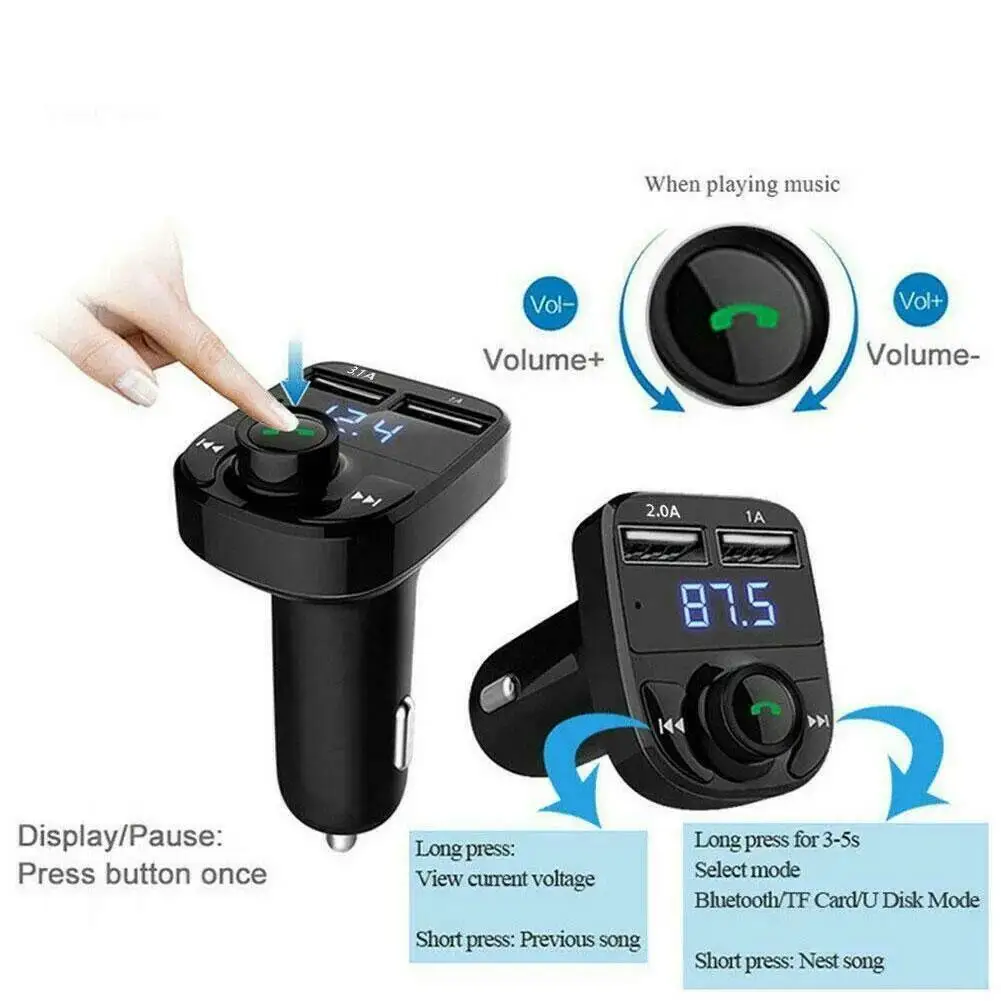
The digital display shows the vehicle’s supplied voltage while the transmitter is operating. This provides a convenient reference for monitoring unusual voltage changes, although it is not a replacement for professional battery or alternator testing.
The combined control knob and buttons provide accessible operation for adjusting volume, changing tracks and managing compatible phone calls. Set up the device before driving and avoid making adjustments that could distract you on the road.
The transmitter converts audio from a Bluetooth device or compatible USB flash drive into an FM signal:
Phone or USB Drive → FM Transmitter → Selected FM Frequency → Vehicle SpeakersIt does not add native Bluetooth directly to the vehicle’s stereo. Audio is transmitted through the car radio’s FM receiver.
Available call controls may depend on the connected phone and transmitter configuration.
This FM transmitter is intended for:
Physical socket placement, available dashboard clearance and radio frequency coverage should be checked before ordering.
A USB flash drive, charging cables and smartphone are not listed as included.
Configure Bluetooth, music and FM settings before beginning your journey. Do not use the controls in a way that distracts you from driving.
The two USB ports share a supplier-listed maximum output of 3.1A. Charging performance may be reduced when two devices are connected simultaneously.
The digital voltage reading is intended for general reference. If the vehicle repeatedly displays unusual voltage levels, warning lights or starting problems, have its battery and charging system inspected by a qualified technician.
Remove the transmitter if it becomes unusually hot, damaged or loose inside the power socket.
Yes, if the vehicle has a compatible 12V or 24V power socket and an FM radio. The transmitter sends Bluetooth audio to the radio over a selected FM frequency.
It supports a listed working voltage of 12–24V. Confirm that the vehicle has a compatible power socket and adequate installation clearance.
Yes. Connect a compatible smartphone through Bluetooth and tune the vehicle radio to the same FM frequency as the transmitter.
Yes. The transmitter supports compatible USB drives with a supplier-listed maximum capacity of 32GB. The flash drive is not included.
Yes. It includes a built-in microphone and controls for managing compatible calls through the vehicle’s audio system.
The two USB ports can charge two compatible devices simultaneously. Their listed maximum combined output is 3.1A, so charging speed may be divided between connected devices.
No named rapid-charging protocol is specified. It should not be advertised as supporting Quick Charge or USB Power Delivery without manufacturer confirmation.
The supported range is listed as 87.5–108MHz. Choose an unused local frequency for better sound quality.
The display provides operating information and a real-time vehicle-voltage reading while the transmitter is connected.
No. It provides a general voltage reference only and cannot replace professional battery or alternator testing.
Automatic reconnection is not explicitly confirmed for this version. Bluetooth pairing behaviour should be verified before publishing that claim.
Last updated: January 15, 2026
Goodify Mart ships to customers in the United States, United Kingdom, and Canada.
Processing Time
Orders are typically processed within 1–3 business days (excluding weekends and holidays). During high-demand periods, processing may take slightly longer.
Estimated Delivery Time
Delivery times vary by destination and product availability:
These are estimated timeframes and may change due to carrier delays, customs processing, weather, or other factors outside our control.
Shipping Costs
We offer free shipping on eligible orders. Any shipping charges (if applicable) will be shown at checkout before you complete your purchase.
Tracking Information
When your order ships, you will receive a tracking number by email (if tracking is available for your shipment). Tracking updates may take 24–72 hours to appear after the order is dispatched.
Address Accuracy
Please ensure your shipping address is correct at checkout. If an order is returned due to an incorrect or incomplete address, you may be responsible for reshipping costs.
Customs, Duties & Taxes
For international shipments (including UK/Canada depending on the product route), customs duties or taxes may apply. These fees are determined by your local authorities and are the customer’s responsibility.
Lost or Delayed Packages
If your order is delayed beyond the estimated delivery window, please contact us and we will help you investigate with the carrier. If a package is confirmed lost in transit, we will work with you on a suitable resolution.
Contact: goodifymart@gmail.com
The item is too small, I hope it works well.
Highly recommended
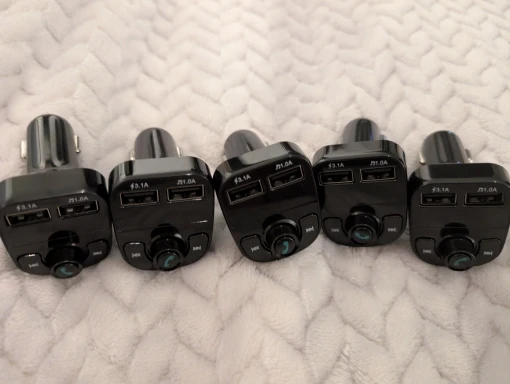
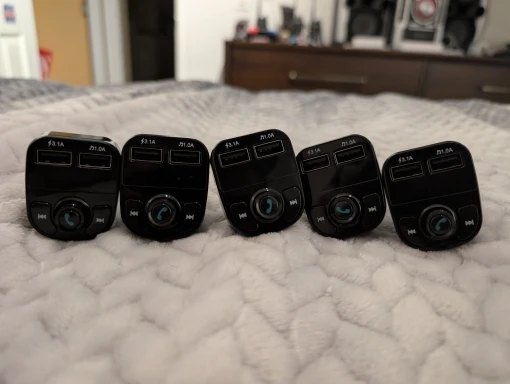
Works great! Put one in my dad's work truck and he says that it sounds better than the radio. Call quality is good as well! For the price you can't beat this! Highly recommended!
Received. 👍 👍 👍
That seems correct to me, now we just need to try it out.
Works good and is extremely affordable. I wonder if they even make any profit lol. This is my backup transmitter, it sounds better than a $17 one on amazon! Not as good as a lencent or nulaxy, but for the price i can't complain! Very great and highly recommended, especially as a backup or for use for fleet vehicles.
It will arrive in approximately two weeks. Northern Mexico
It's okay for the price.
Everything is fine. Delivered quickly, connects well with the phone, clear sound. Satisfied with the product.
Thank you. The package was sent quickly.
It works well, the volume is a bit low but you can just increase it from the phone and the device, then everything can be controlled from the radio, but if you increase the volume too much there is quite a loud background noise. The delivery has been very fast.
Honestly, in terms of quality and price, there's nothing better. It works perfectly, I recommend it.
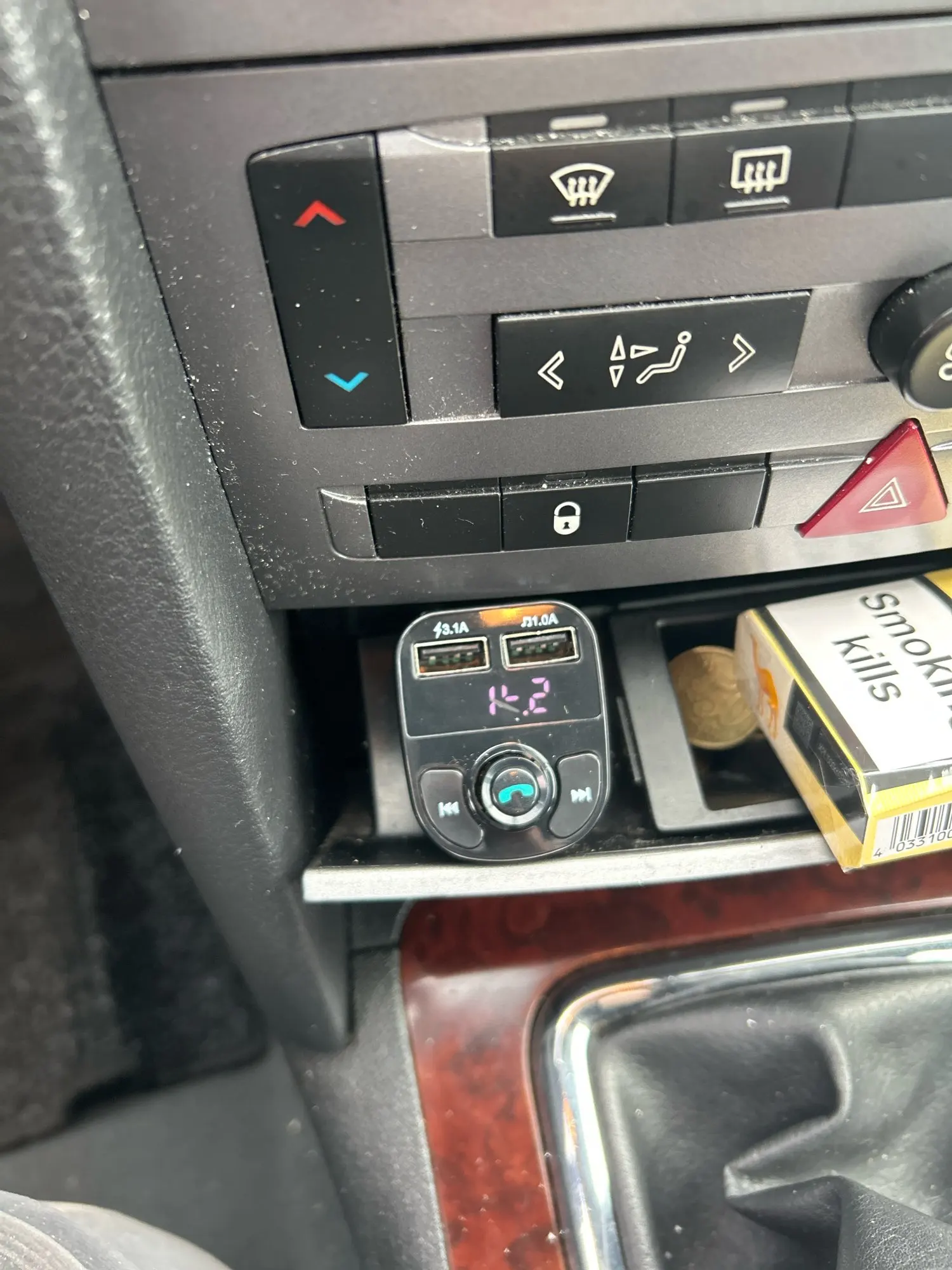
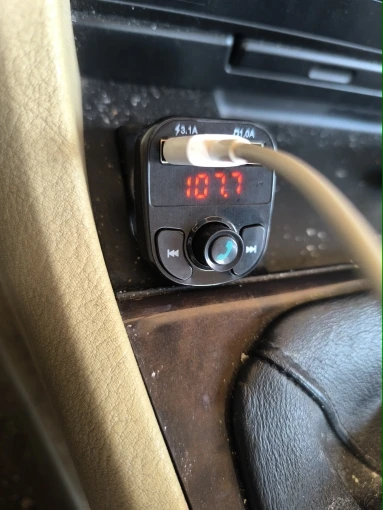
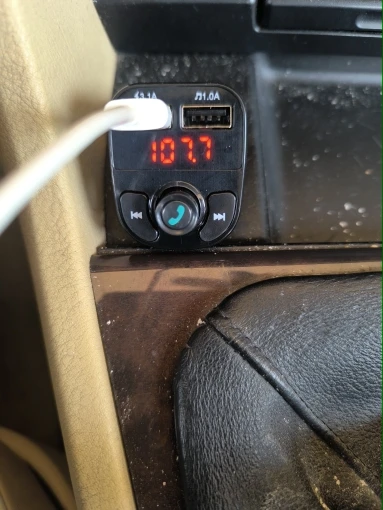
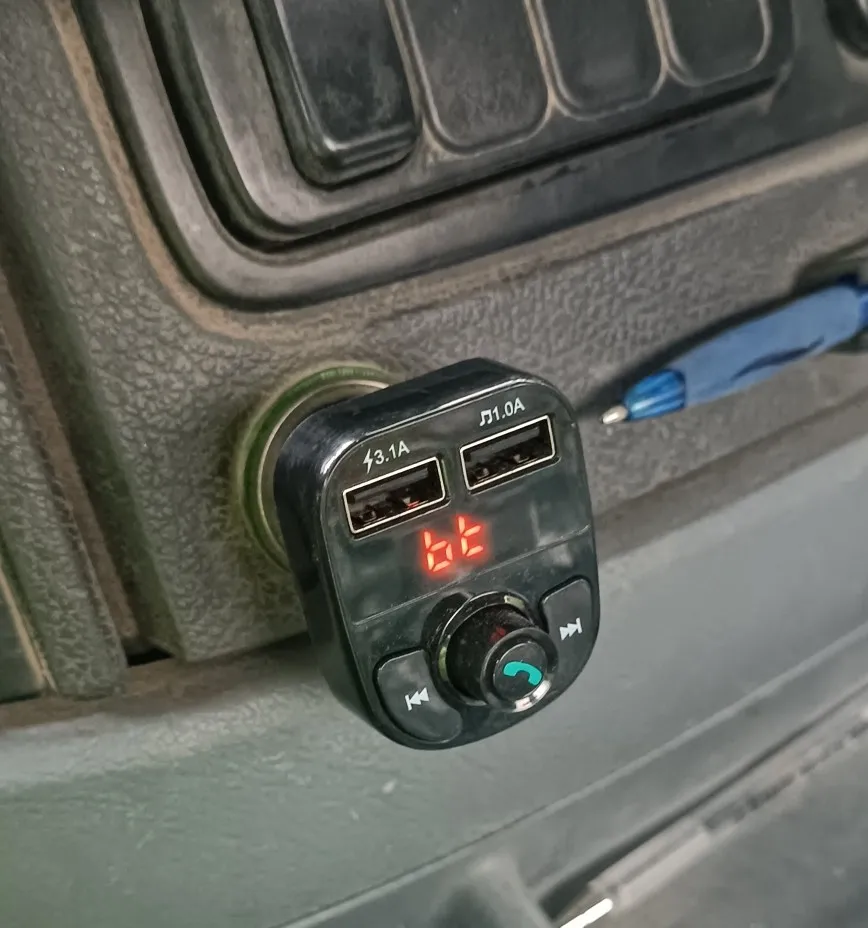
It works perfectly, I have tried all the options and it works very well. The only thing is that the numbers are red instead of blue, but I prefer it that way.
Highly recommended, fast delivery.
Super
works well, Bluetooth, USB, and charger.
Well packaged and works perfectly recommend this seller
Very good product, I haven't tried it yet but it looks good. A bit of bad plastic but it's not bad.
Good quality 👍 As seen on my phone changing, maybe they are reali close to 3 a . Voltmeter too, look like measuring with no error. 🎉 Usb, card not tested yet, bluetooth transfer sound good 💯 Very small noise, but they not from transmitter. Real offer.
Arrived super fast and in great condition.
Everything works as it should. The sound quality is great. It serves daily use. I am satisfied.
Amazing! This has brought my ancient car into the modern day. Great price, fast delivery.
Wishlist is empty.