
Zoom

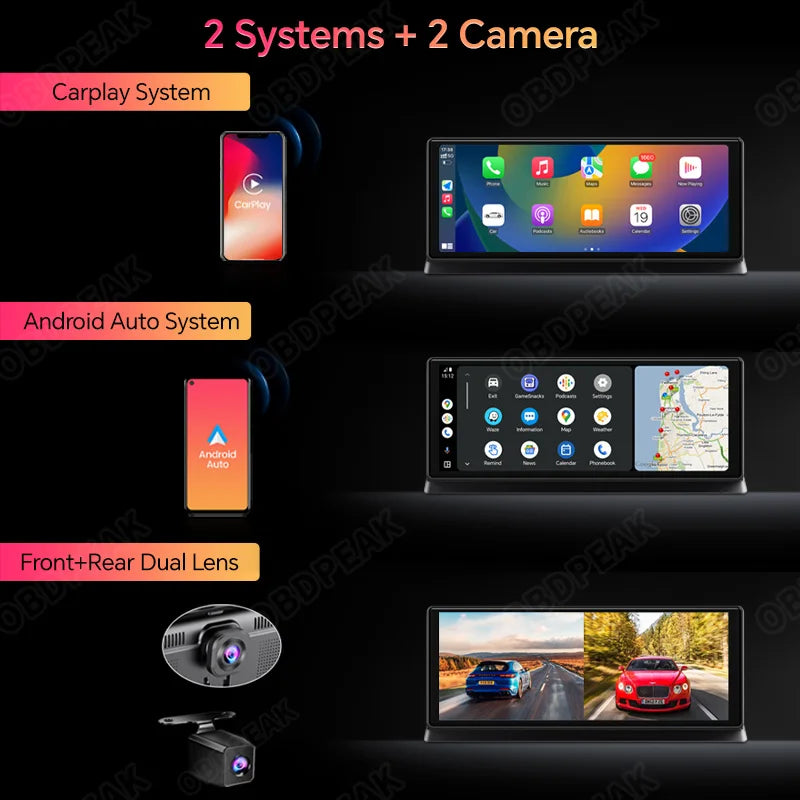


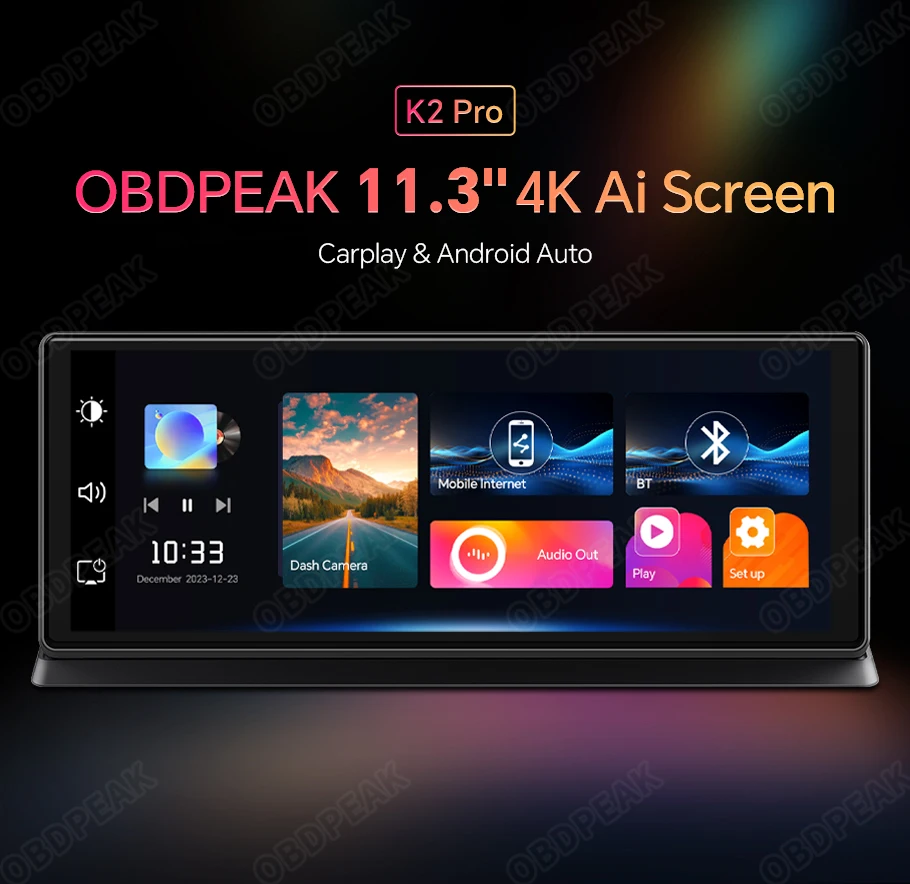
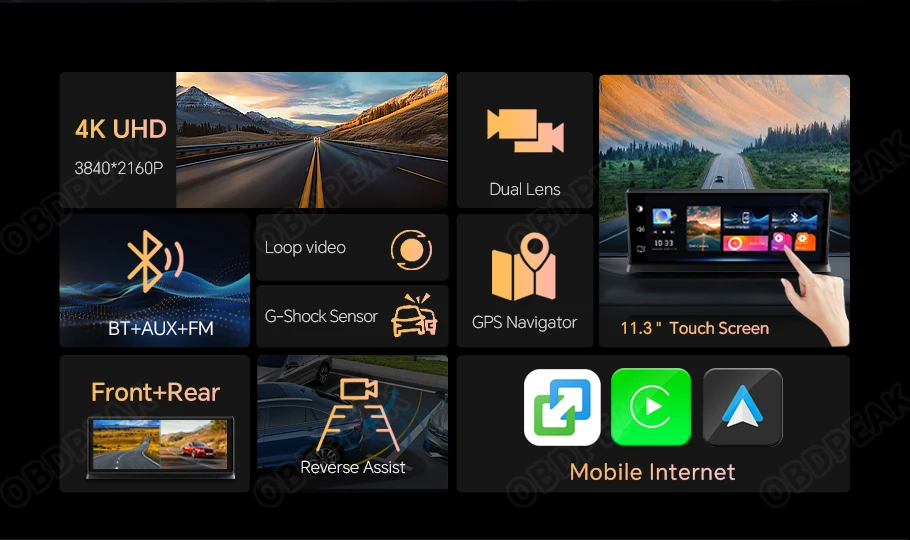
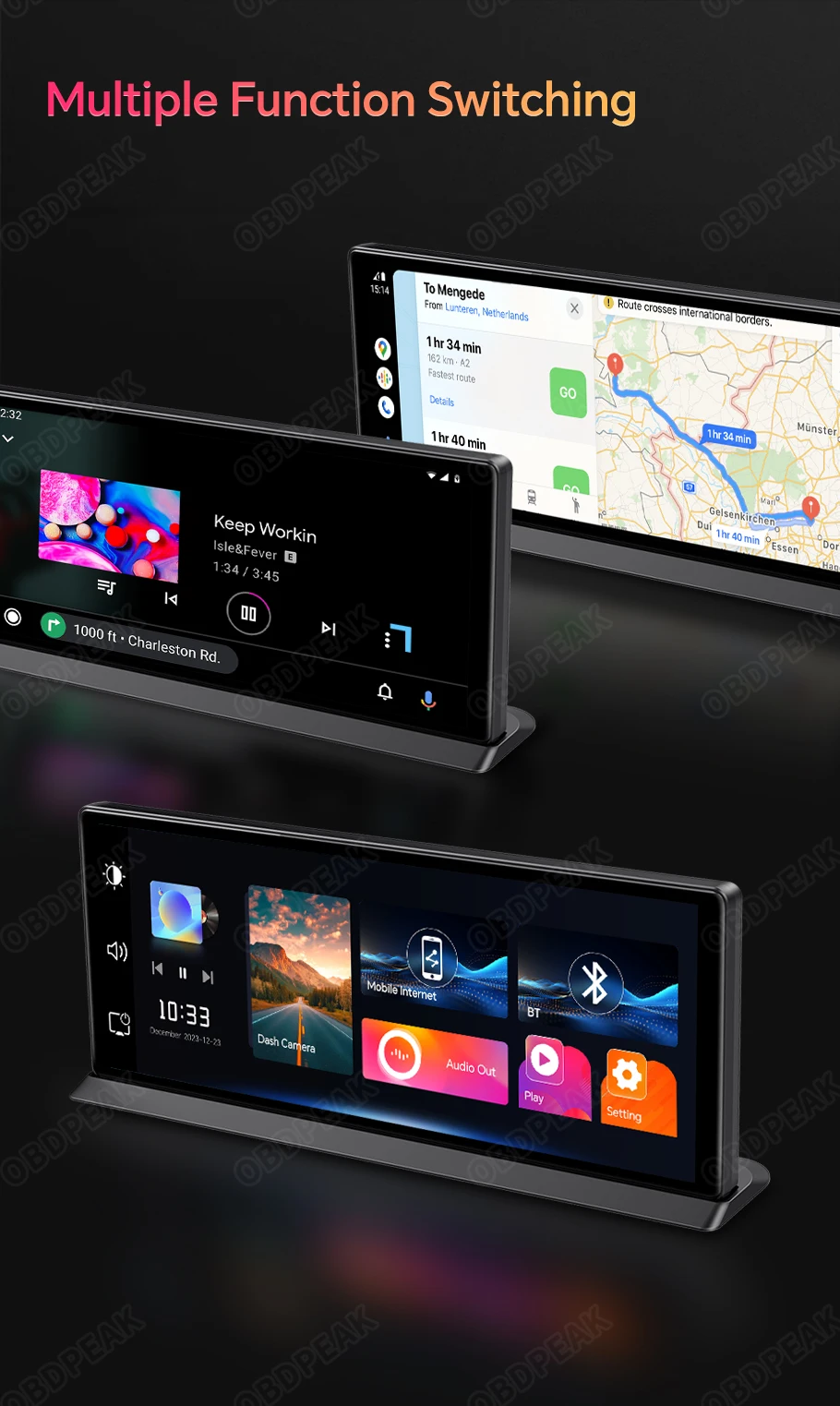
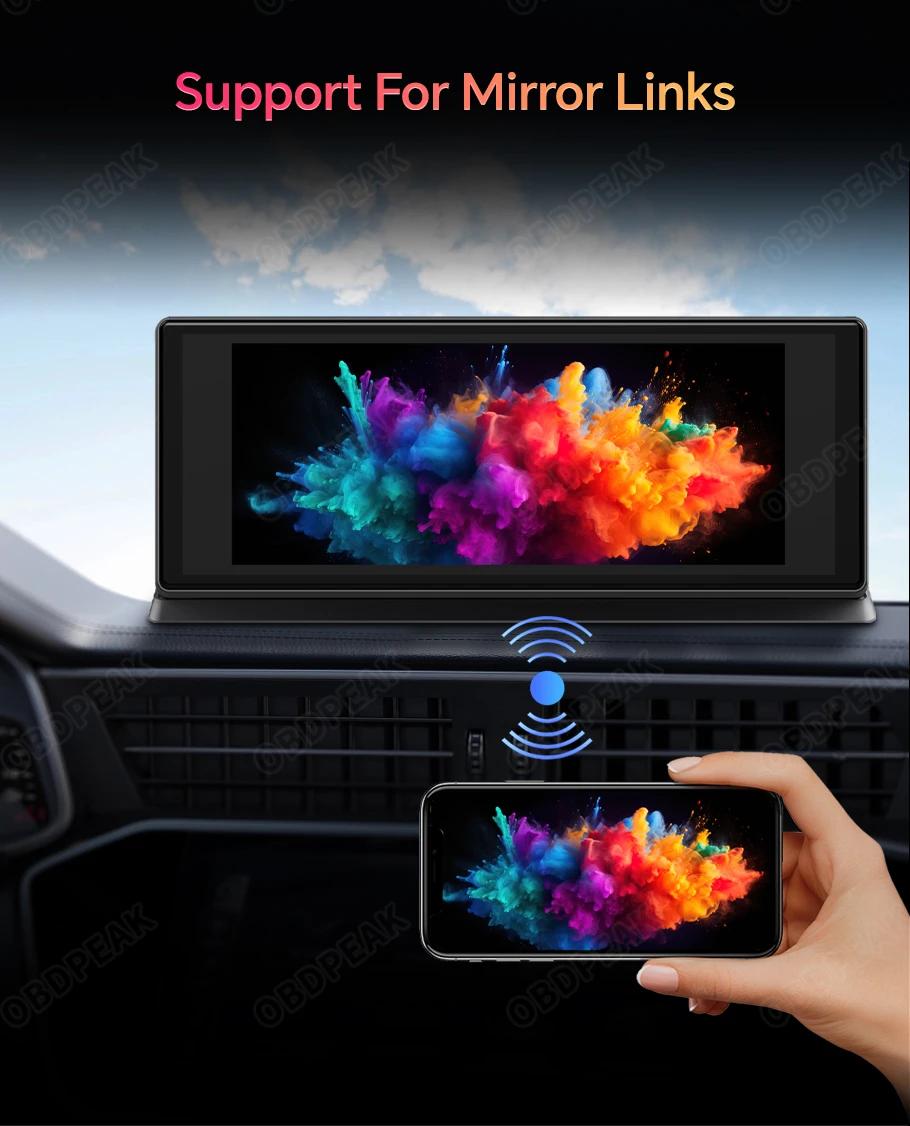
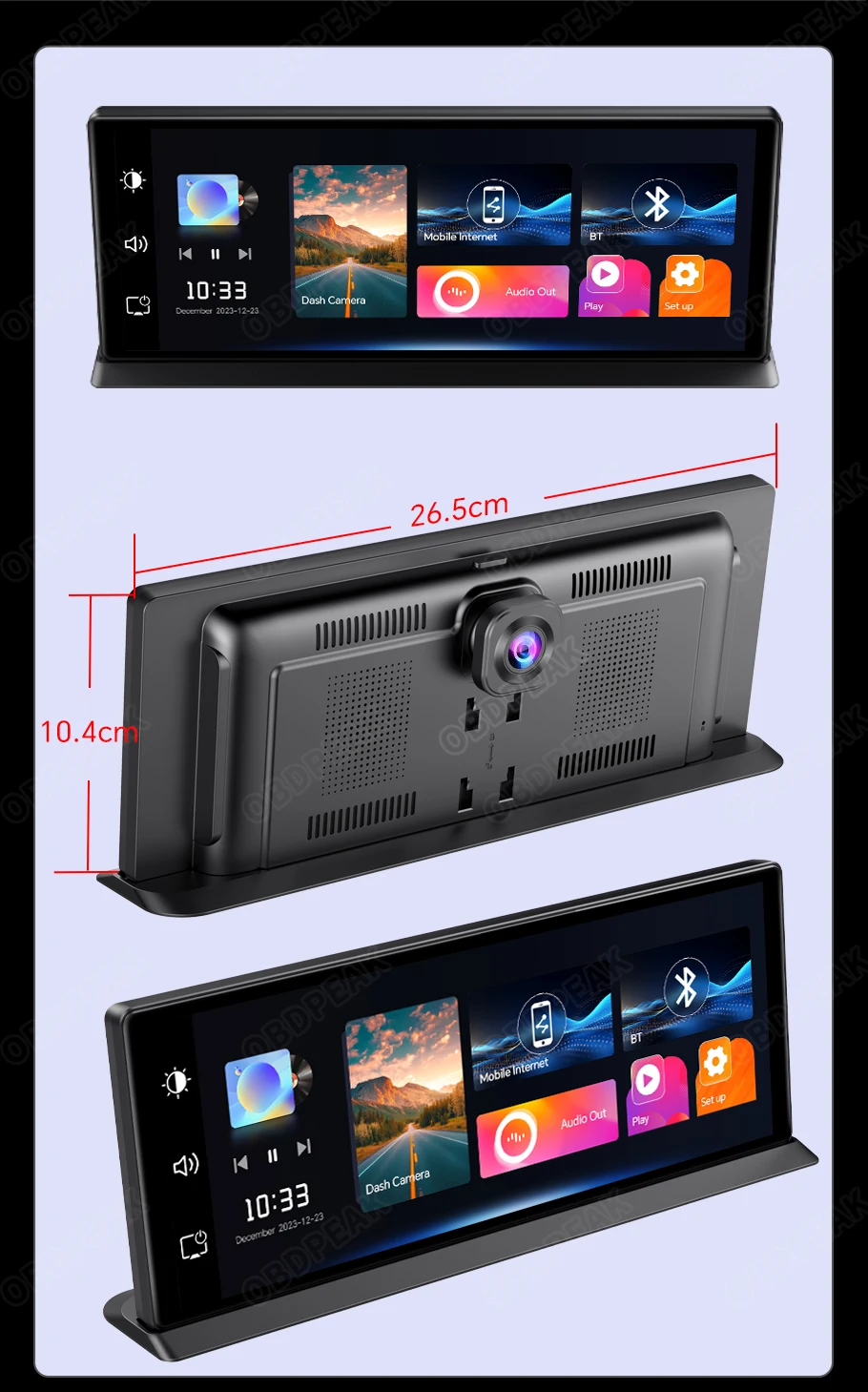
Modernize your dashboard with the OBDPEAK K2 Pro smart driving display. The 11.3-inch touchscreen connects wirelessly to compatible smartphones, giving you convenient access to navigation, music, calls and selected mobile applications without replacing your vehicle’s original stereo.
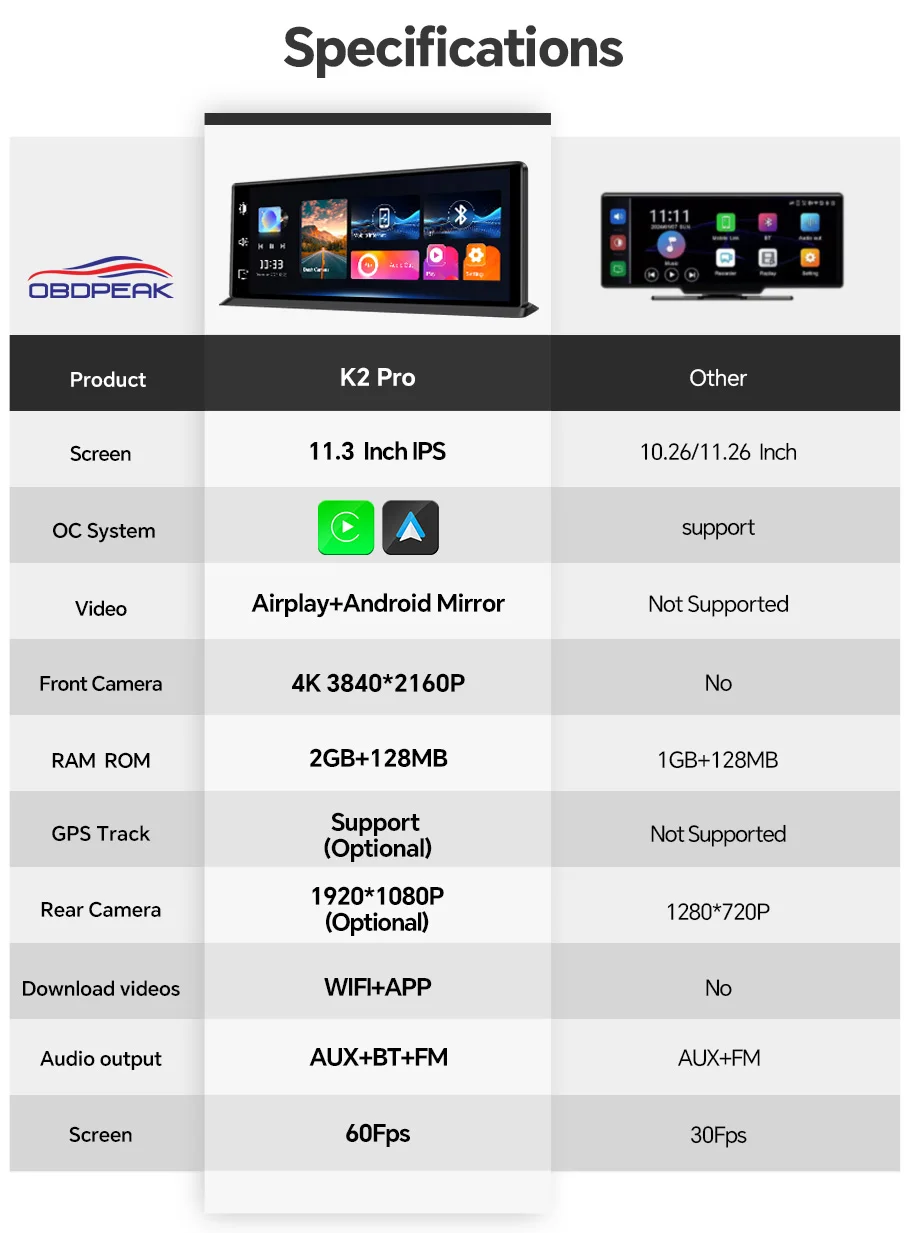
The ultra-wide IPS display features a 1920 × 720 resolution and In-Cell touchscreen technology for clear visuals, responsive controls and a slim screen design. Its 60Hz refresh rate helps navigation maps, menus and compatible interface content appear smooth and easy to follow.
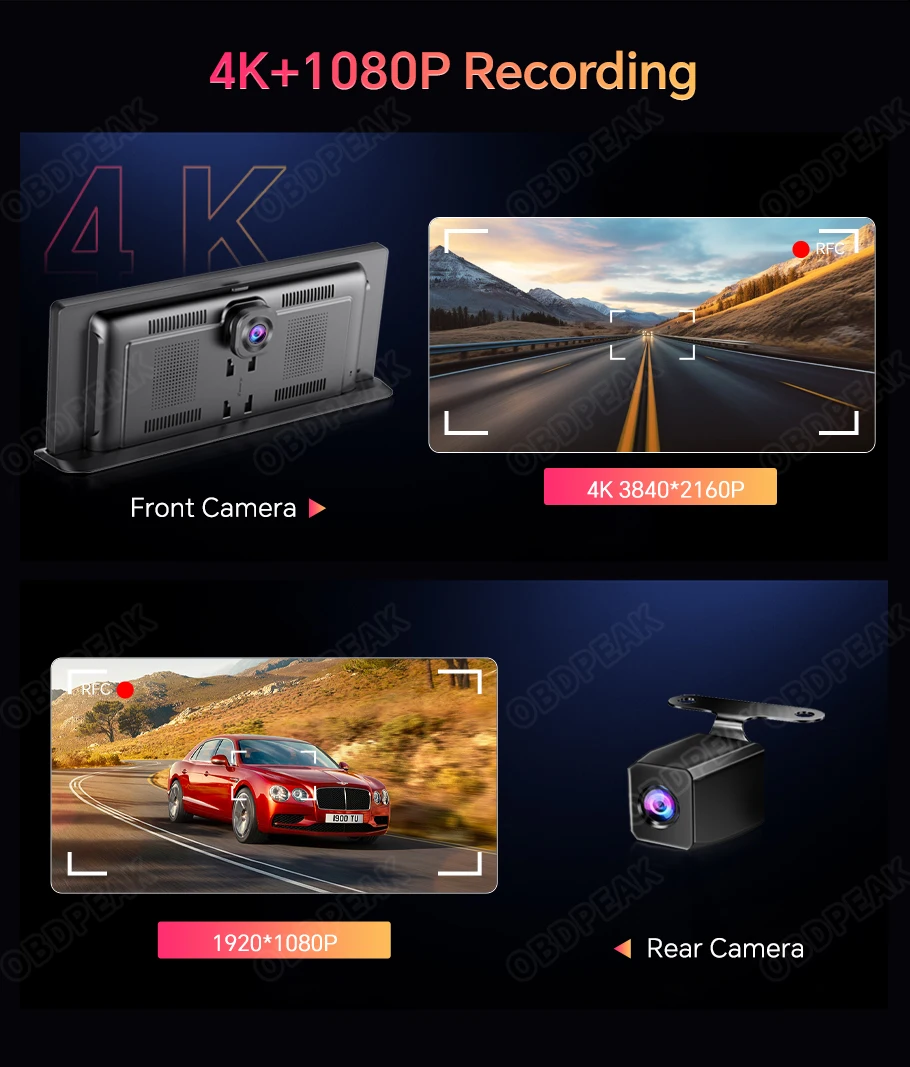
The front camera records at up to 3840 × 2160p and uses a wide 170-degree viewing angle to capture road activity, traffic signs and other important driving details.
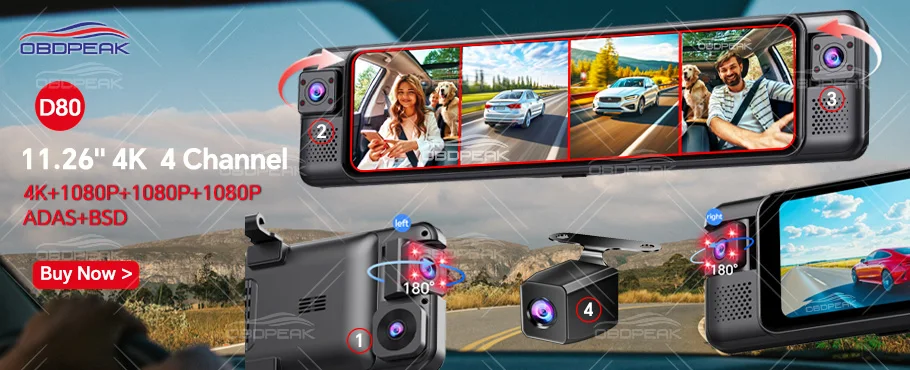
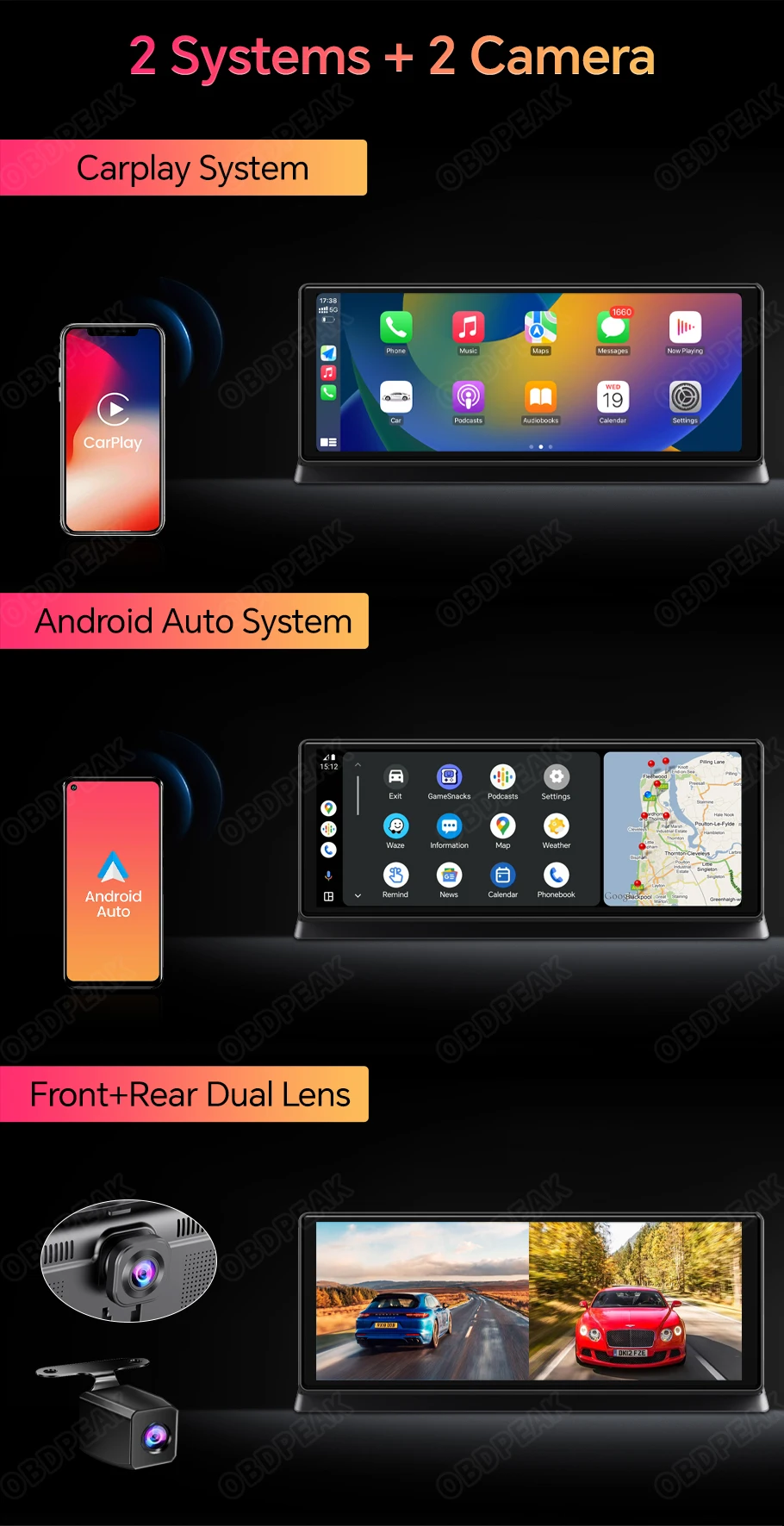
Selected dual-camera versions include a 1920 × 1080p rear camera for simultaneous front and rear recording. Confirm the selected package because the rear camera and connecting cable are not included with every option.
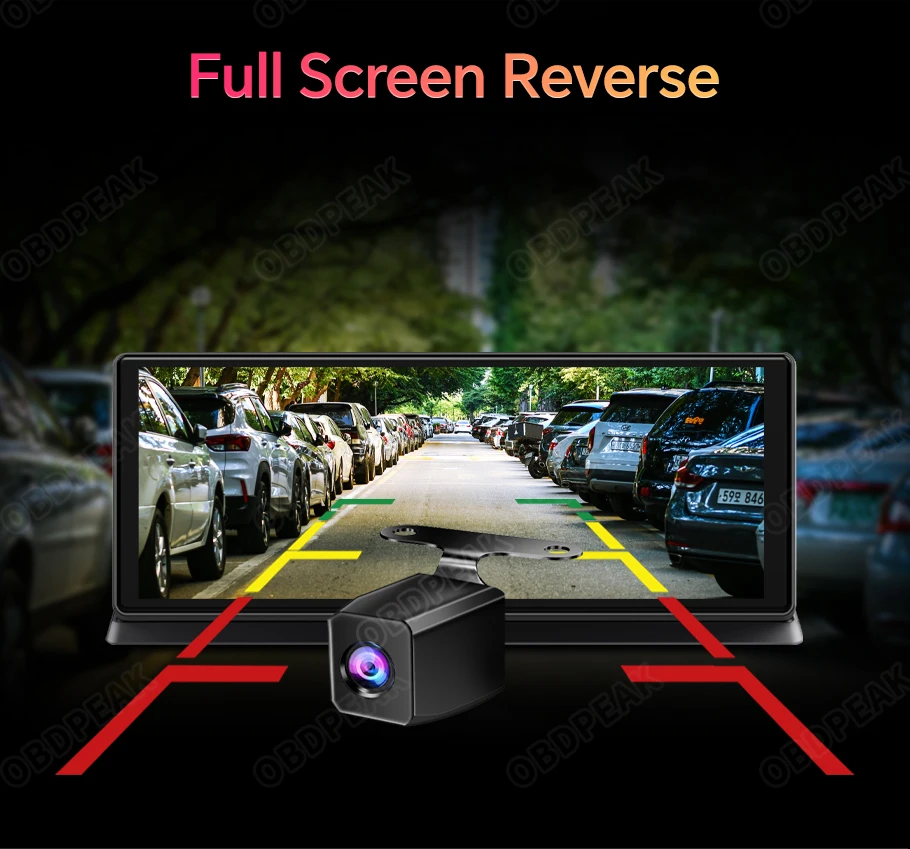
When a compatible rear camera is installed and connected to the reversing signal, the display can automatically show the area behind your vehicle while reversing. This provides an expanded view but does not replace mirrors, direct observation or careful driving.
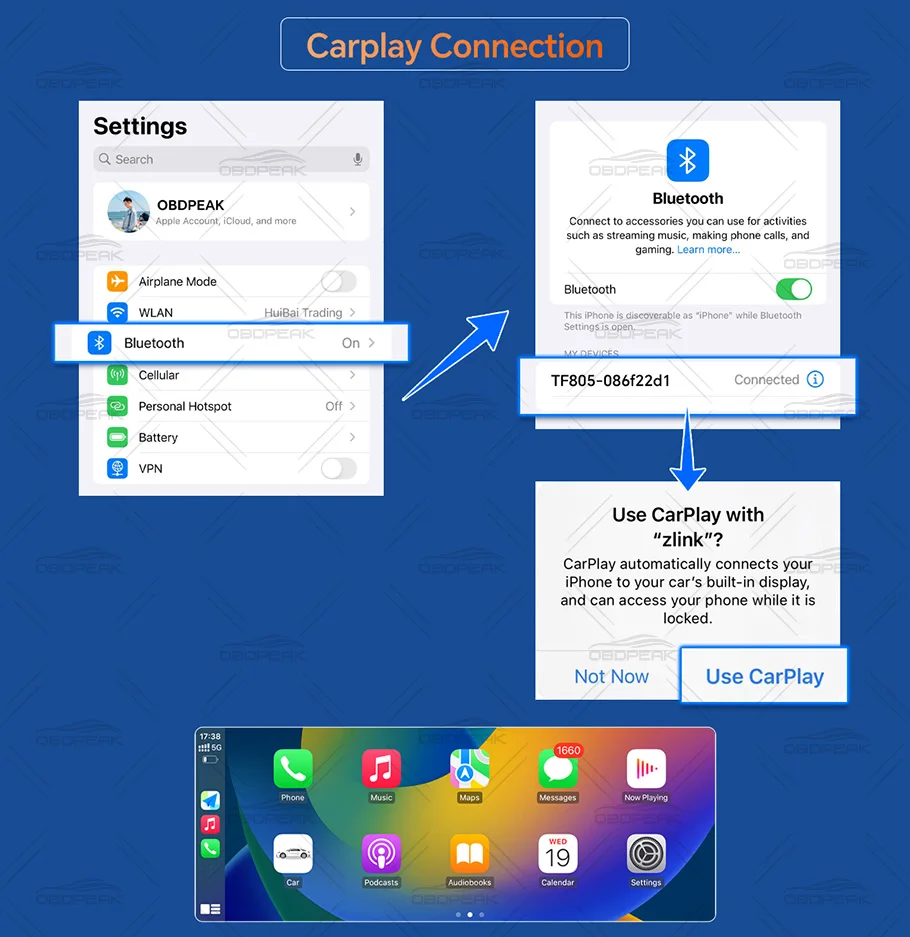
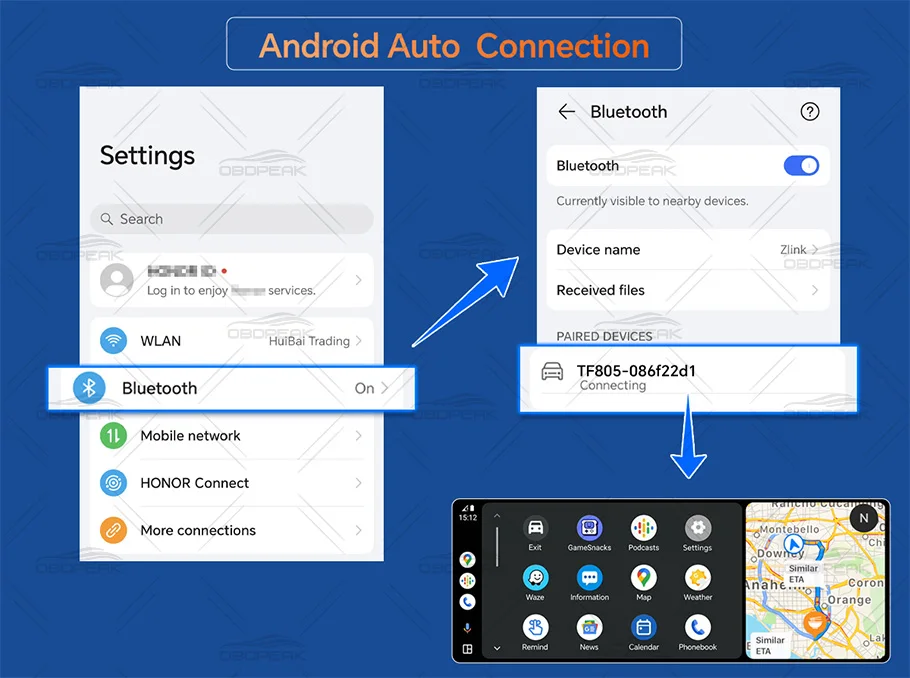
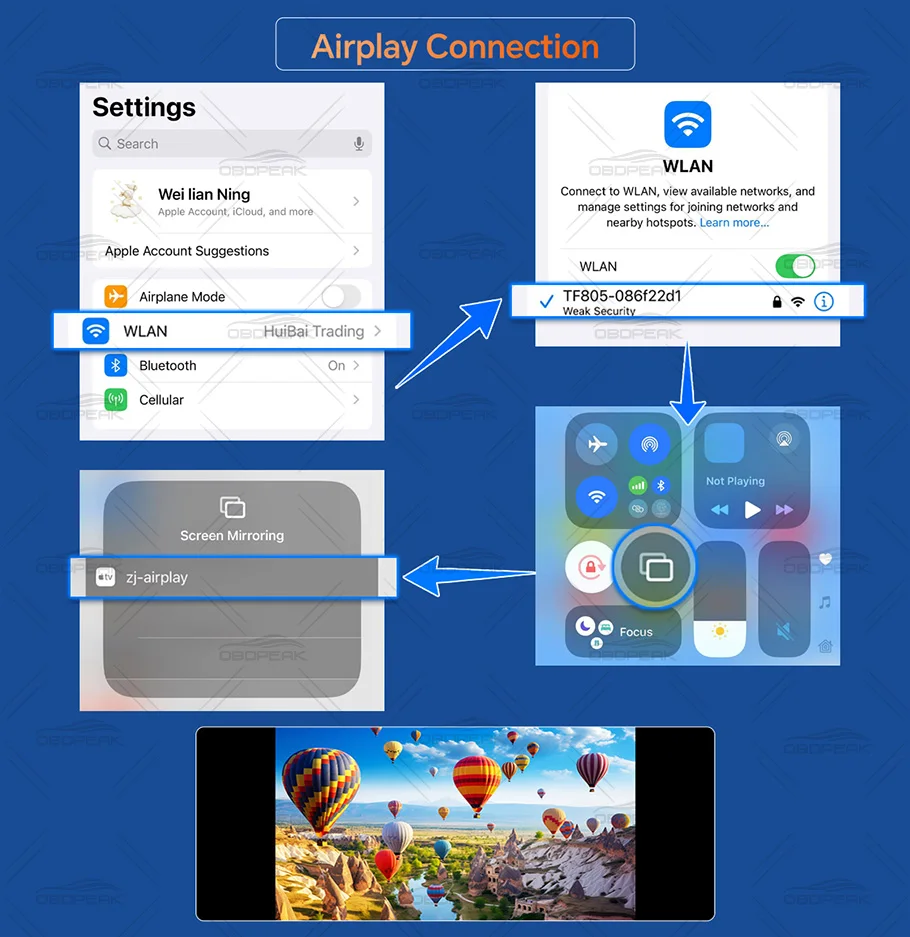
Connect wireless Apple CarPlay or Android Auto and use a compatible navigation application from your phone on the larger 11.3-inch screen. Navigation depends on your smartphone, installed applications and mobile data connection.
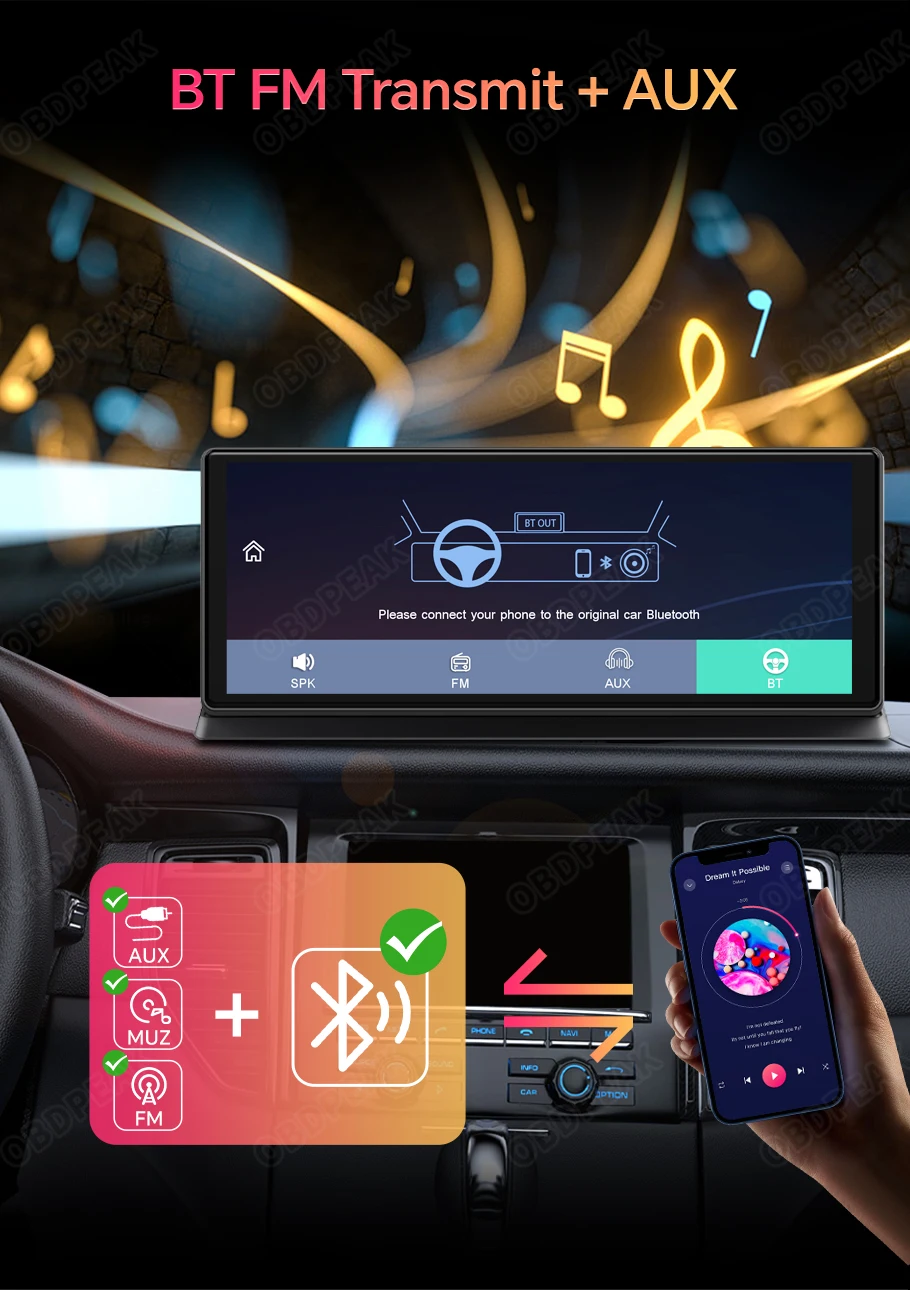
Play navigation instructions, music and calls through your car’s sound system using compatible Bluetooth, FM transmission or the included AUX cable. Available audio quality depends on the selected connection and the vehicle’s audio system.
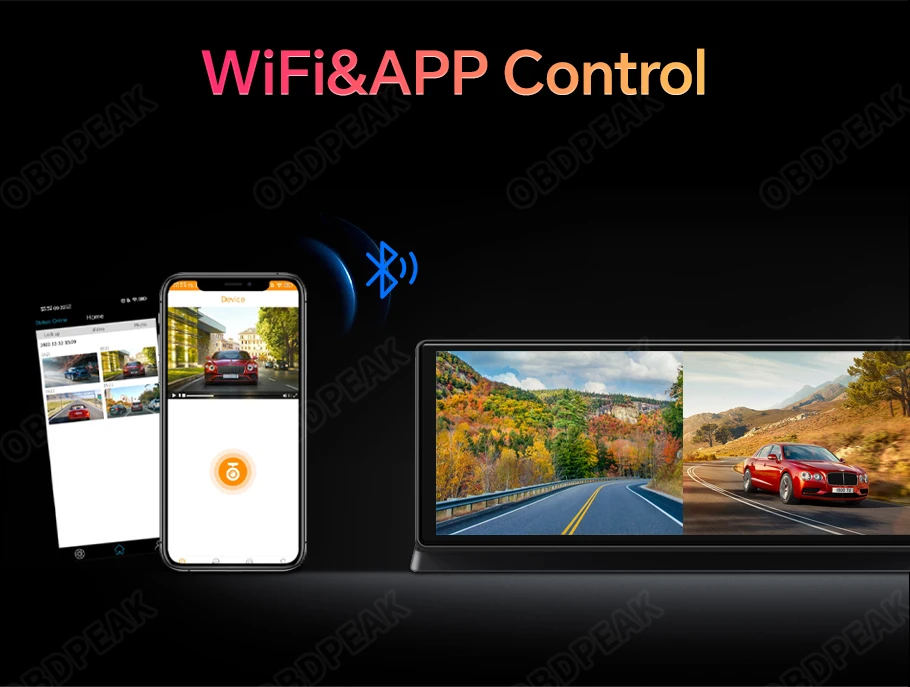
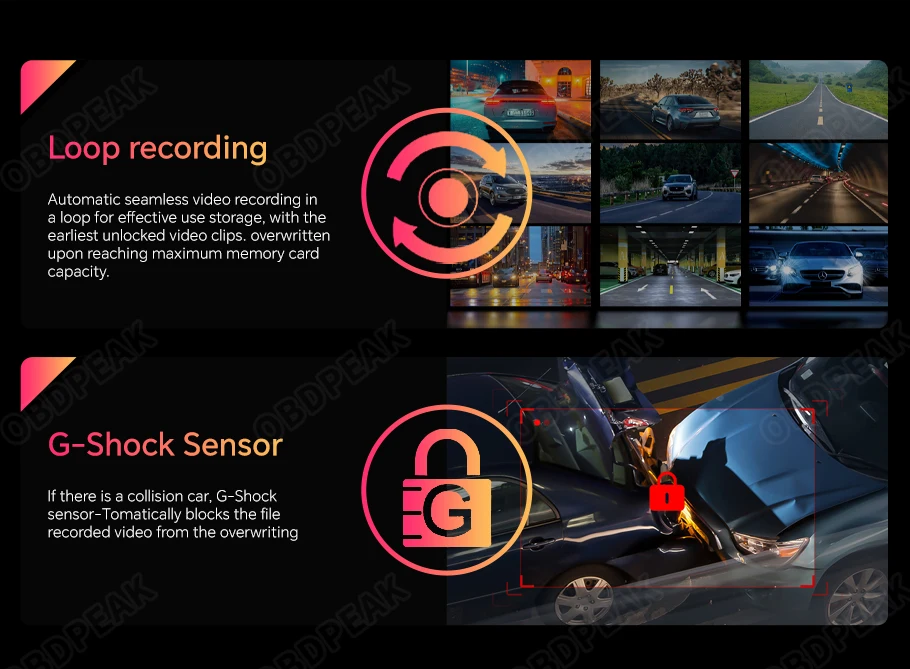
Connect a compatible mobile application to the dash camera through Wi-Fi for real-time viewing and supported video downloads. Saved footage can be transferred to a phone for convenient playback, sharing or incident documentation.
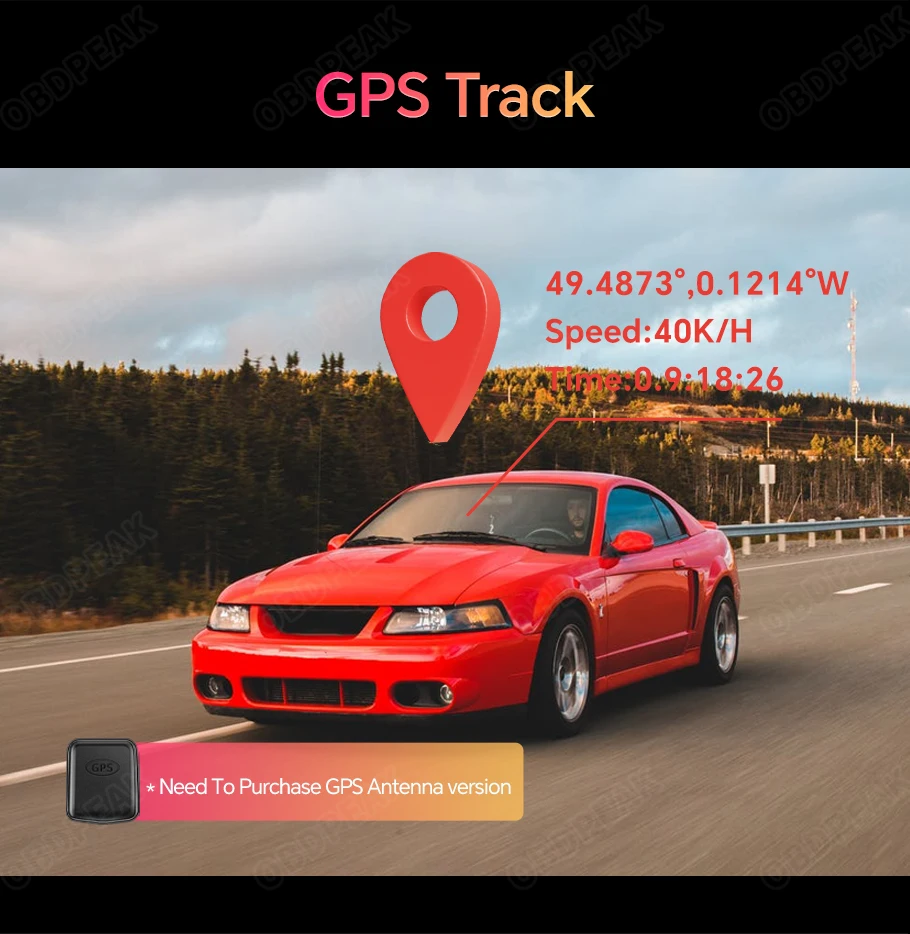
Versions supplied with an external GPS antenna can record speed, coordinates and journey-route information alongside compatible footage. GPS tracking is not built into every package, so select the GPS version if this function is required.
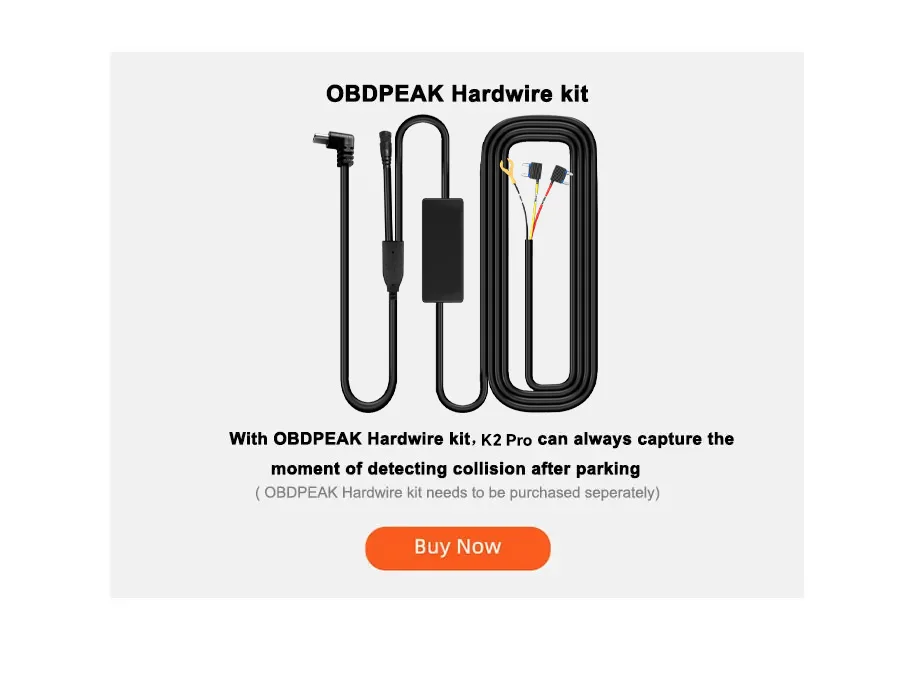
Parking monitoring requires a separately purchased compatible hardwire kit connected to the vehicle’s fuse box. When installed correctly, the system can wake after detecting an impact or abnormal vibration and save an emergency recording.
The supplier recommends iOS 7 or later. Compatibility and available functions depend on the iPhone model, iOS version and supported applications.
Android 11 or later is recommended. The supplier states that Huawei phones do not support Android Auto with this device.
The K2 Pro must be powered using the car charger supplied in the package. It will not operate correctly when powered through an ordinary USB cable.
The built-in battery should not be advertised as providing cordless dash-camera operation unless its capacity and runtime are confirmed.
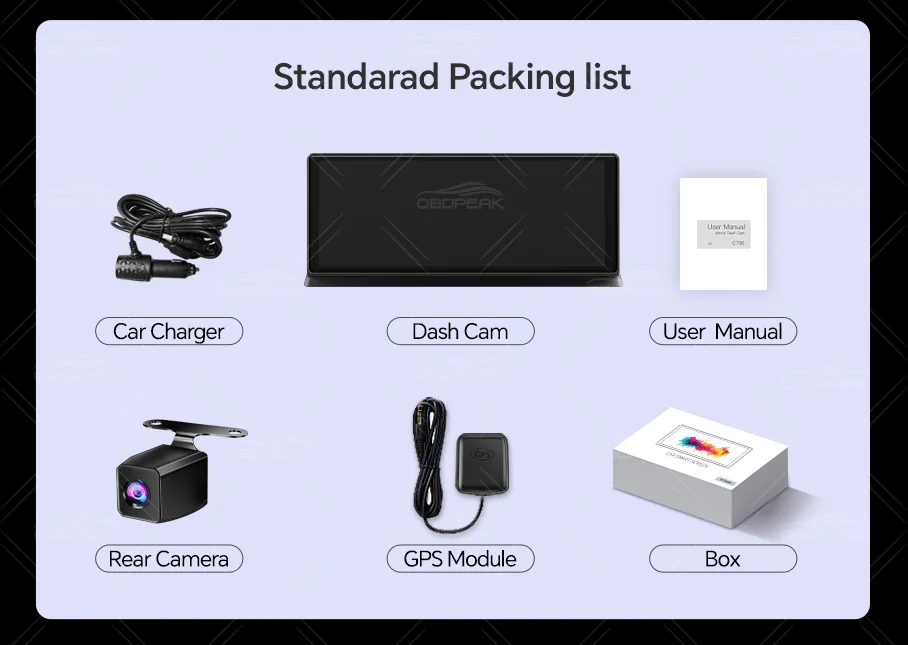
Package contents depend on the selected version and may include:
Check the selected package before ordering.
Install the display where it does not obstruct the driver’s view, dashboard controls, airbags or mirrors. Do not operate touchscreen functions while the vehicle is moving.
The reversing camera and parking-monitoring features are driver-assistance tools only. Always inspect the vehicle’s surroundings directly before moving.
A compatible Class 10 microSD card may be required for recording and may not be included. Format the card according to the manufacturer’s instructions and inspect saved recordings regularly.
Professional installation is recommended for the rear-camera reversing wire, external GPS module and parking-monitoring hardwire kit.
No. It is a separate dashboard display that can send audio to a compatible vehicle system through Bluetooth, FM or AUX.
Yes. The K2 Pro supports wireless CarPlay for compatible iPhones.
Yes, but the supplier recommends Android 11 or later and states that Huawei phones are not supported for Android Auto.
Only selected dual-camera packages include the 1080p rear camera and cable. Check the chosen version before ordering.
Yes, when the compatible rear camera is installed. The system supports simultaneous front and rear recording.
No. GPS logging requires the version supplied with an external GPS antenna.
The listed navigation function operates through CarPlay or Android Auto using a compatible smartphone. Independent offline navigation is not confirmed.
Memory-card inclusion is not specified. A Class 10 microSD/TF card with up to 128GB capacity is supported.
No. The supplier states that the included car charger must be used. An ordinary USB connection will not operate the device correctly.
No. Twenty-four-hour parking monitoring requires a separately purchased compatible hardwire cable and connection to the vehicle’s fuse box.
Wireless phone charging is not listed and should not be advertised as a feature.






Last updated: January 15, 2026
Goodify Mart ships to customers in the United States, United Kingdom, and Canada.
Processing Time
Orders are typically processed within 1–3 business days (excluding weekends and holidays). During high-demand periods, processing may take slightly longer.
Estimated Delivery Time
Delivery times vary by destination and product availability:
These are estimated timeframes and may change due to carrier delays, customs processing, weather, or other factors outside our control.
Shipping Costs
We offer free shipping on eligible orders. Any shipping charges (if applicable) will be shown at checkout before you complete your purchase.
Tracking Information
When your order ships, you will receive a tracking number by email (if tracking is available for your shipment). Tracking updates may take 24–72 hours to appear after the order is dispatched.
Address Accuracy
Please ensure your shipping address is correct at checkout. If an order is returned due to an incorrect or incomplete address, you may be responsible for reshipping costs.
Customs, Duties & Taxes
For international shipments (including UK/Canada depending on the product route), customs duties or taxes may apply. These fees are determined by your local authorities and are the customer’s responsibility.
Lost or Delayed Packages
If your order is delayed beyond the estimated delivery window, please contact us and we will help you investigate with the carrier. If a package is confirmed lost in transit, we will work with you on a suitable resolution.
Contact: goodifymart@gmail.com
Wishlist is empty.


