Description
Add Bluetooth Audio To Older Devices
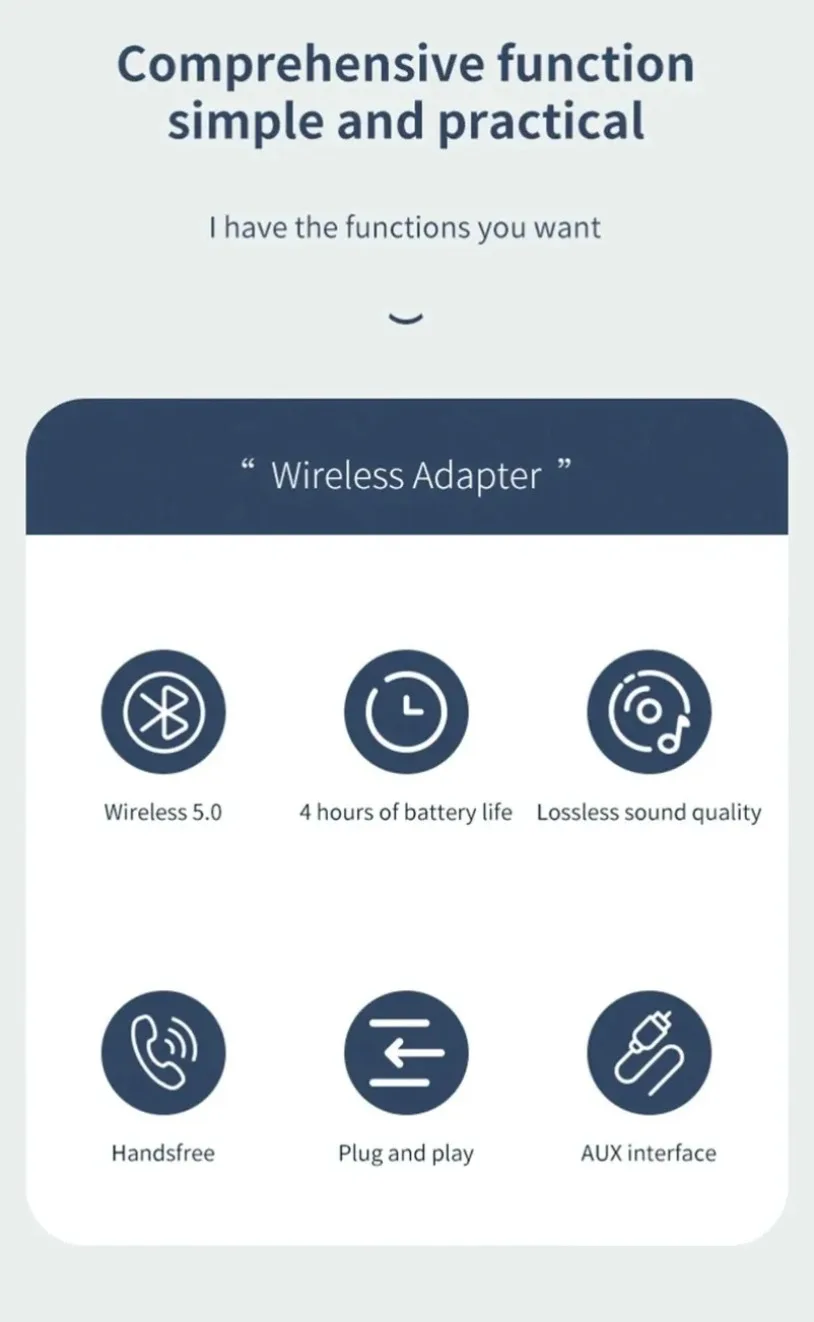
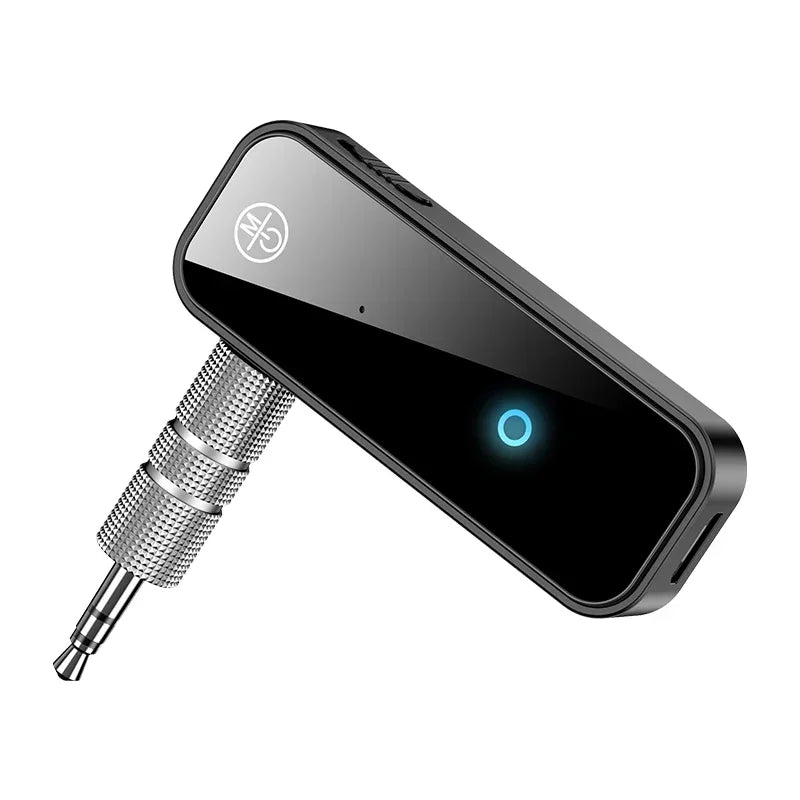
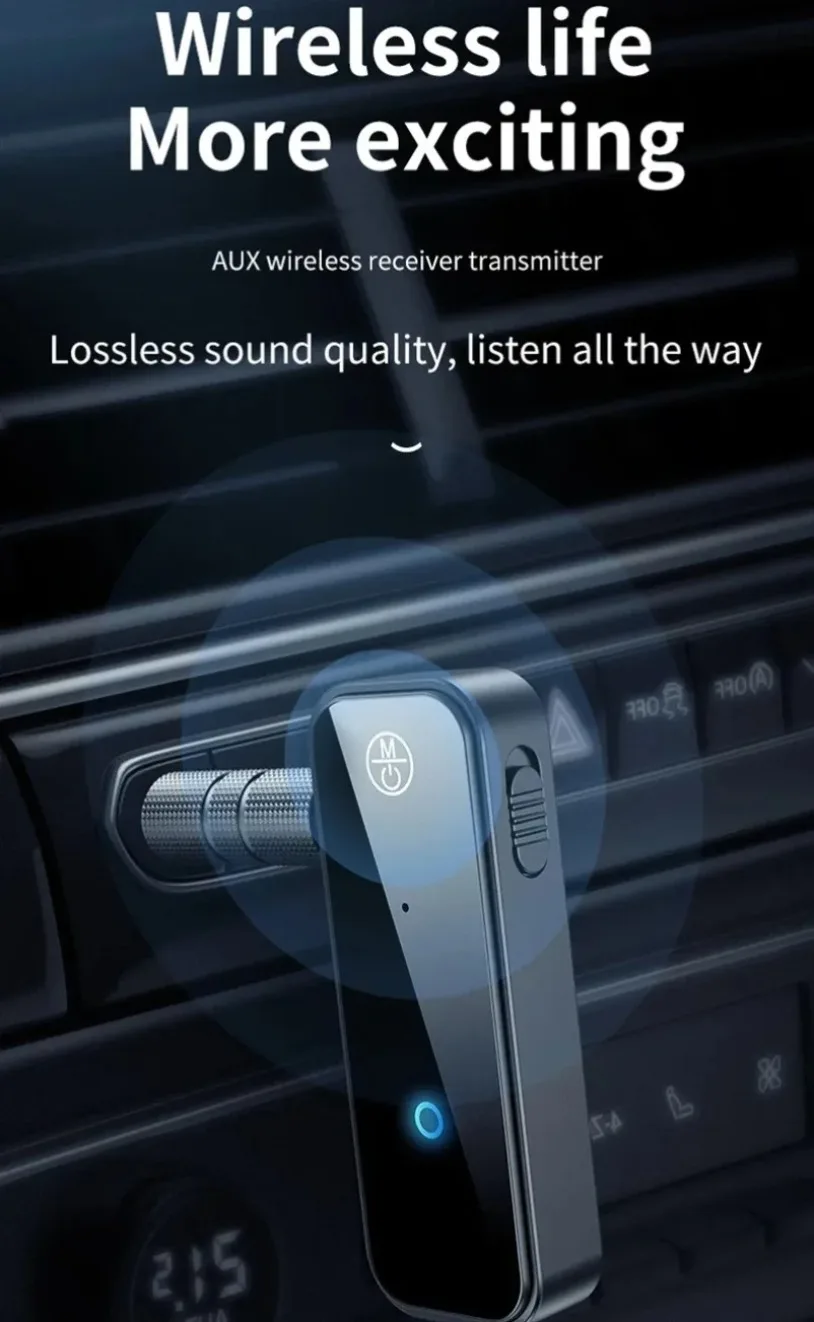
Upgrade compatible TVs, car stereos, home audio systems and media players with the VIKEFON C28 Bluetooth 5.0 Audio Adapter. Its two-in-one design works as either a transmitter or receiver, helping connect older 3.5mm AUX equipment with modern wireless headphones, speakers, smartphones and tablets.
The compact rechargeable design provides a convenient way to enjoy wireless audio without replacing existing entertainment equipment.
Bluetooth Transmitter Mode
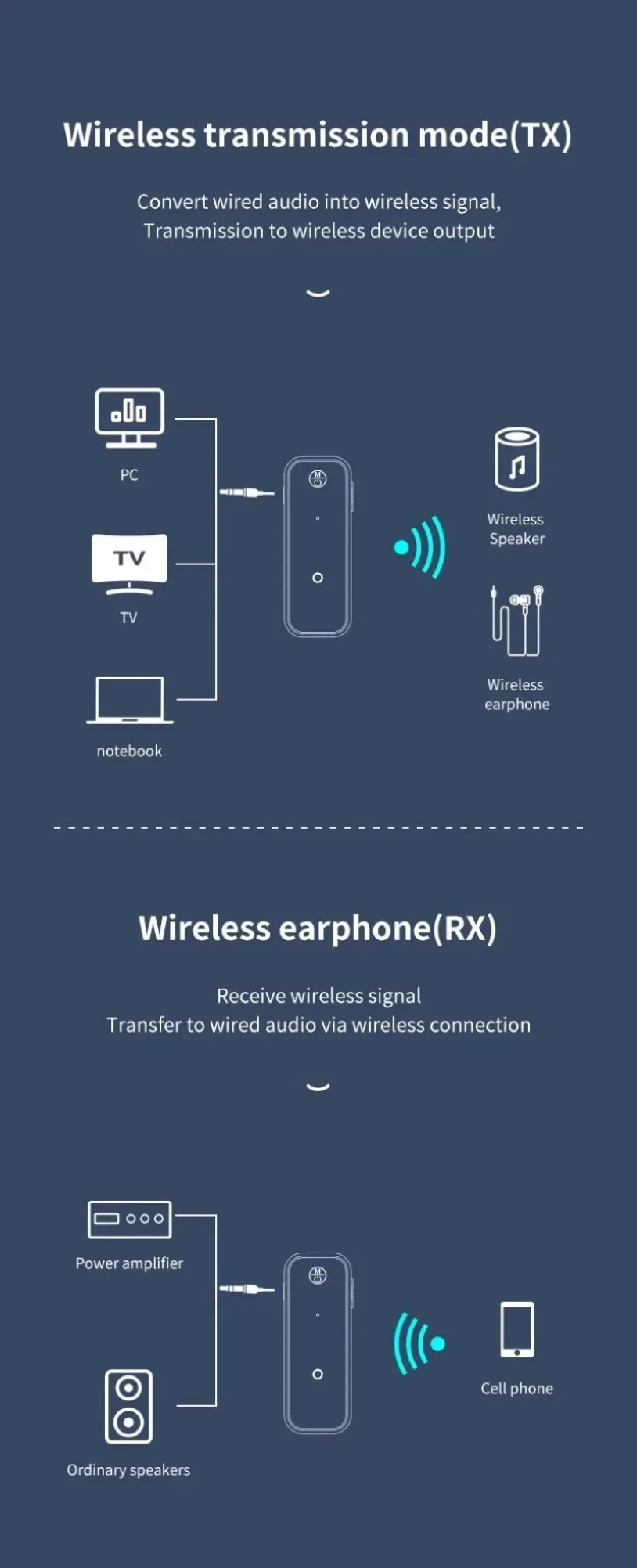
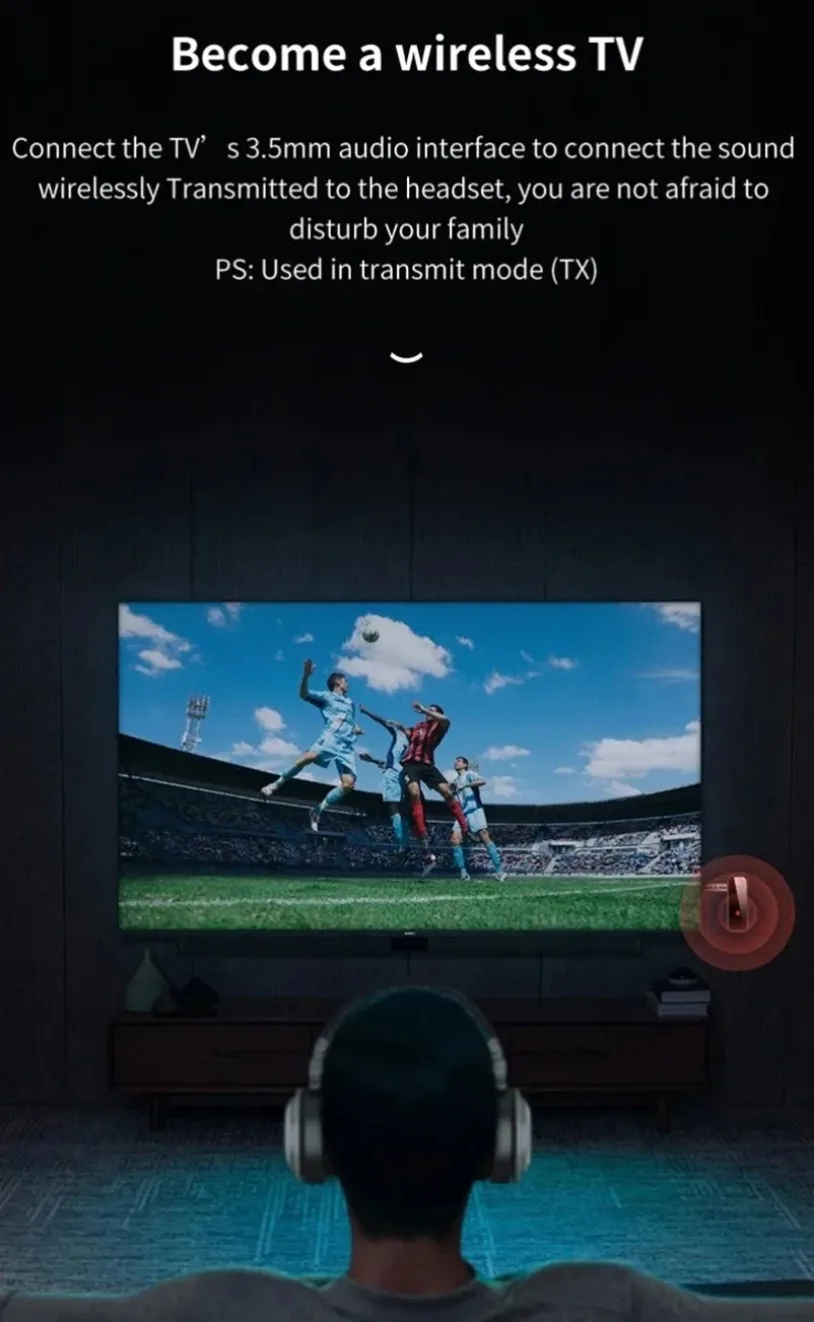
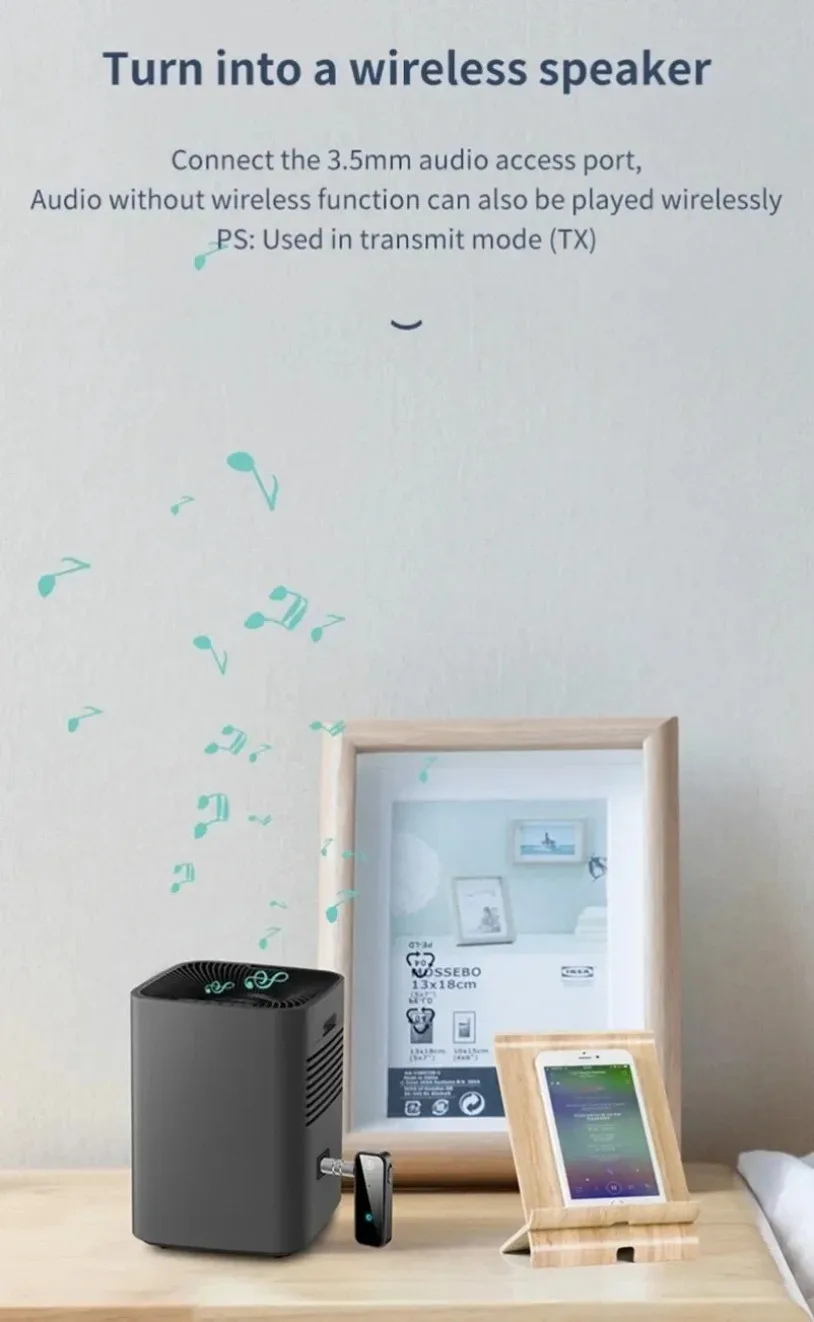
Use Transmitter mode to send audio from a non-Bluetooth source to compatible wireless headphones or speakers. Connect the C28 to the source device’s 3.5mm audio output, pair it with a Bluetooth listening device and enjoy audio without a direct headphone cable.
Compatible source devices may include:
- Televisions with a 3.5mm audio output
- Desktop computers and laptops
- MP3 and MP4 players
- Portable CD players
- Radios
- AV receivers
- Other compatible audio-output devices
Bluetooth Receiver Mode
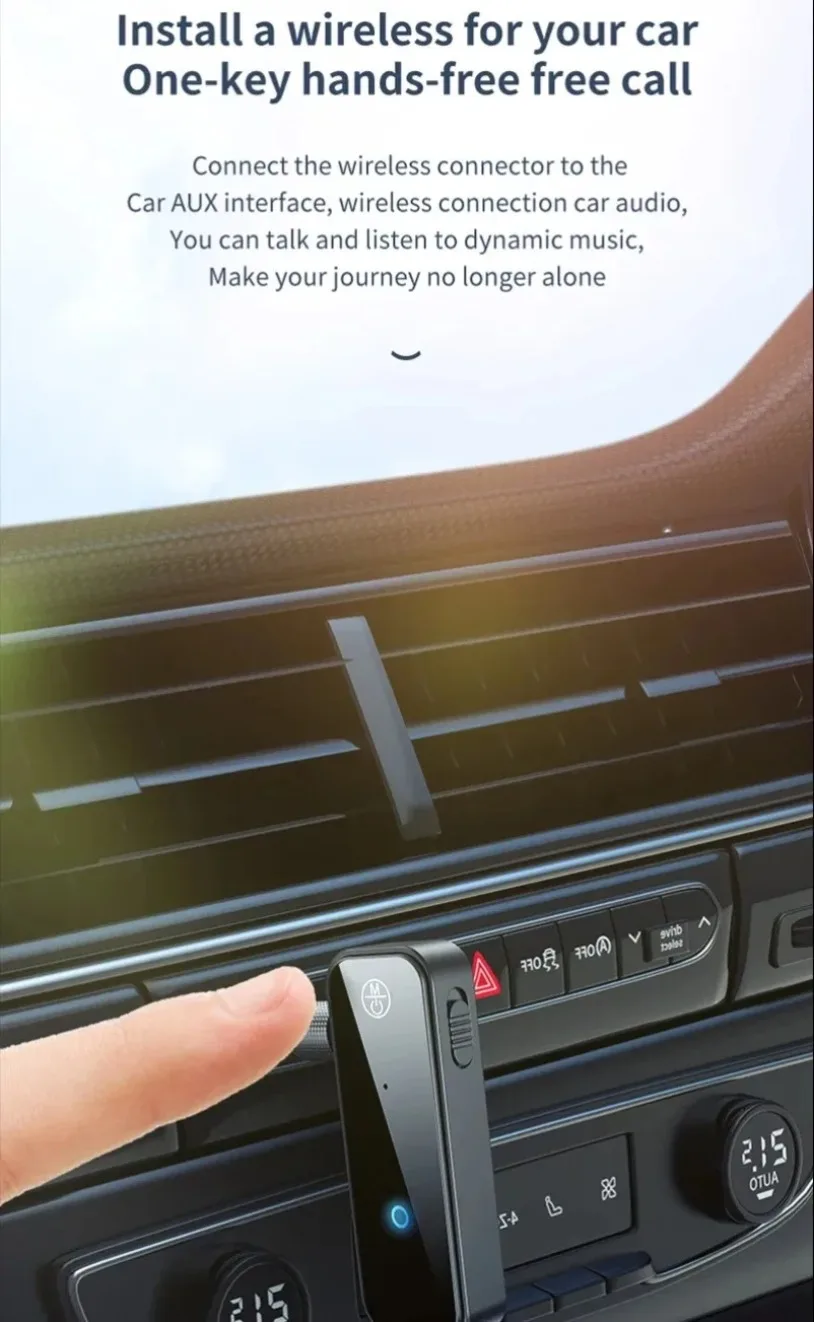
Use Receiver mode to add wireless audio input to a traditional car stereo, home speaker system or amplifier. Connect the adapter to the equipment’s 3.5mm AUX input, pair it with a smartphone, tablet or laptop and stream music through the connected sound system.
The stereo or speaker must have a working 3.5mm AUX input.
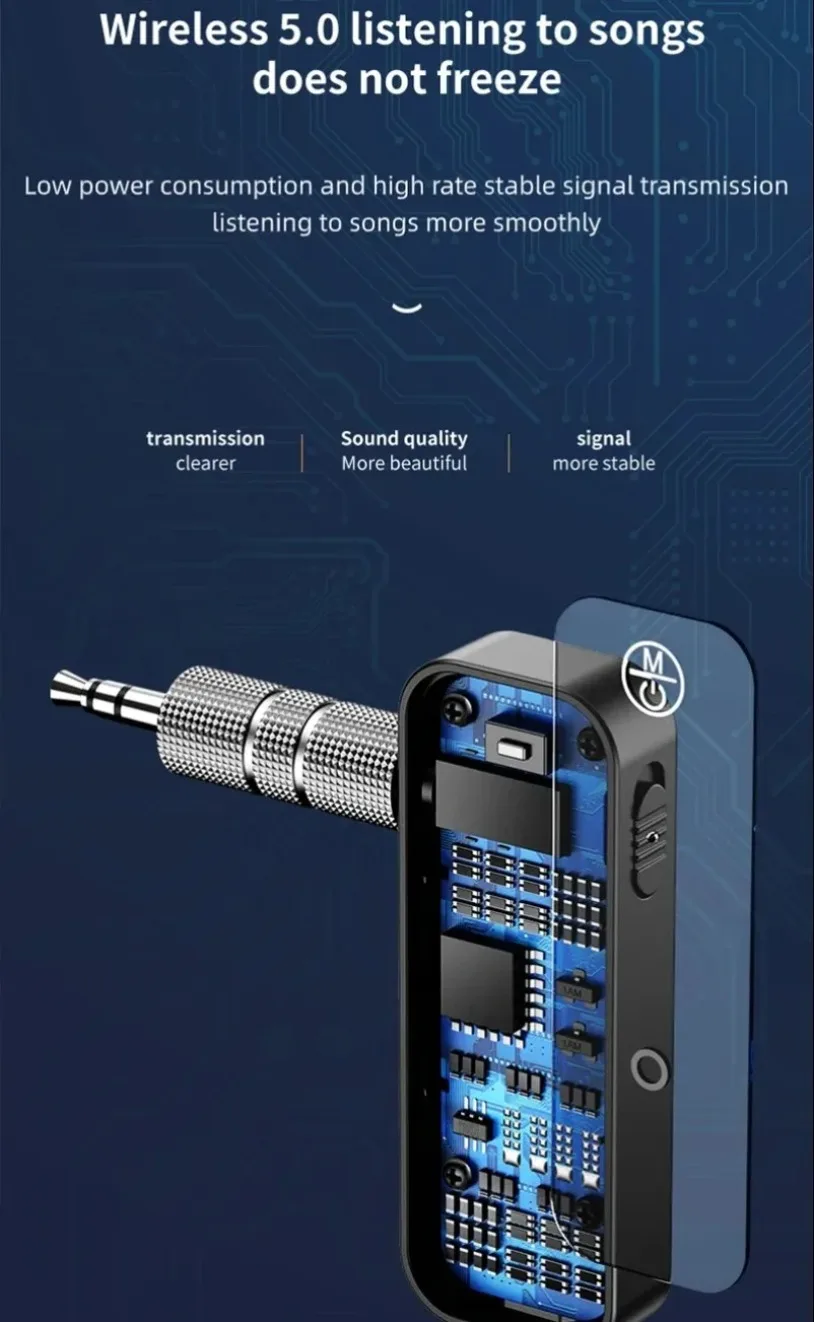
Bluetooth 5.0 Connectivity
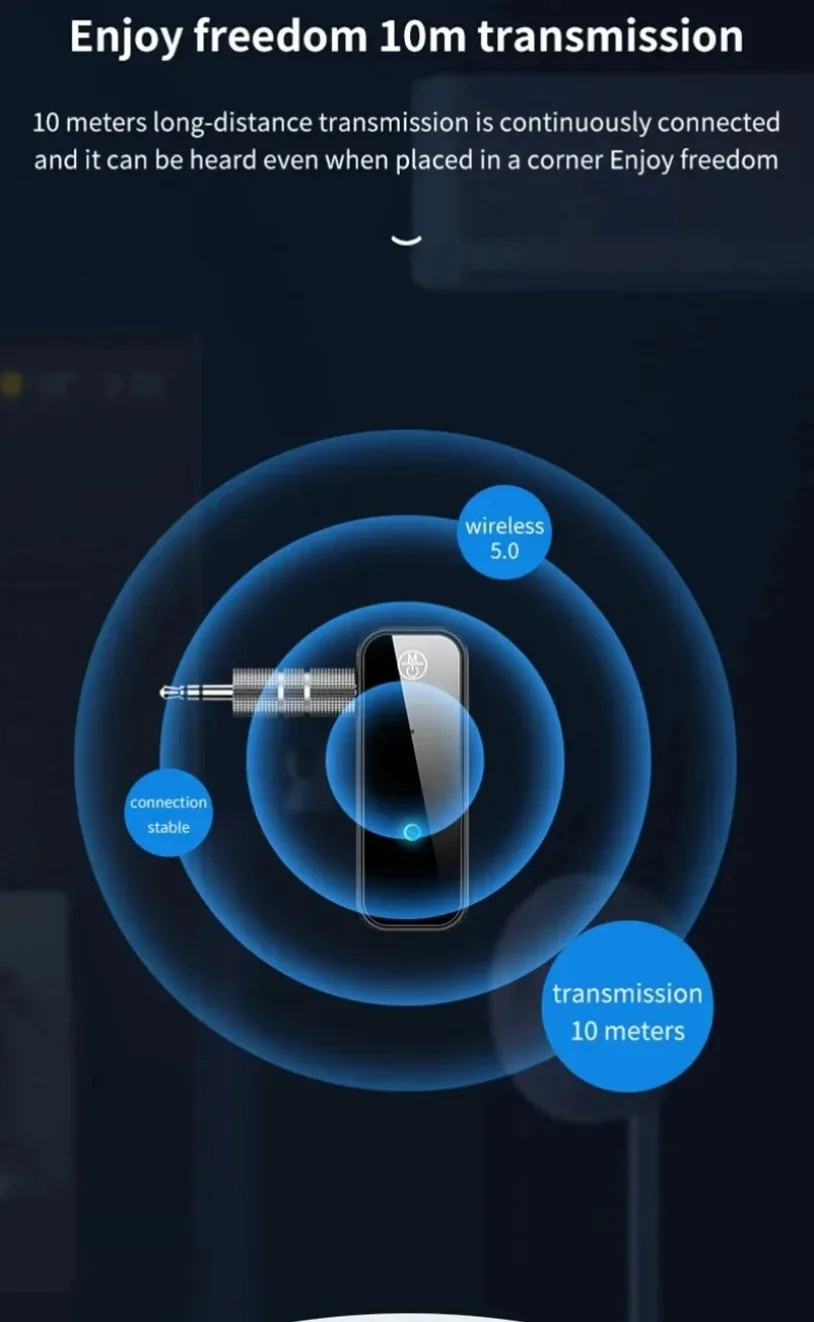
Bluetooth 5.0 provides a supplier-listed transmission range of up to 10 metres or 33 feet under suitable conditions. Walls, nearby electronics, wireless interference and obstacles may reduce the working distance.
Rechargeable 4–6 Hour Operation
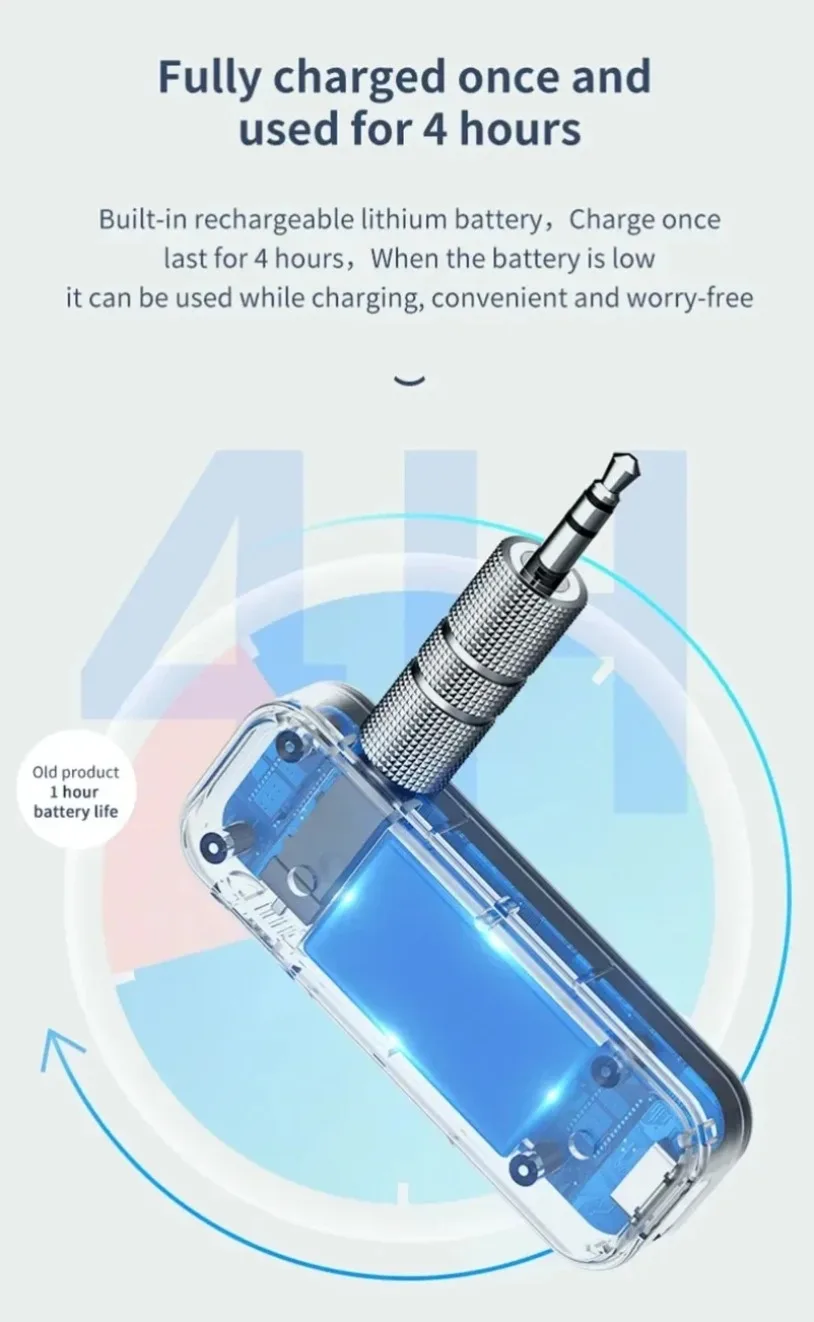
The built-in lithium-polymer battery provides approximately four to six hours of supplier-listed operation, depending on volume, connection conditions and battery health.
Recharge the adapter through its Micro-USB input using a compatible 5V/0.5A power source.
Compact Portable Design
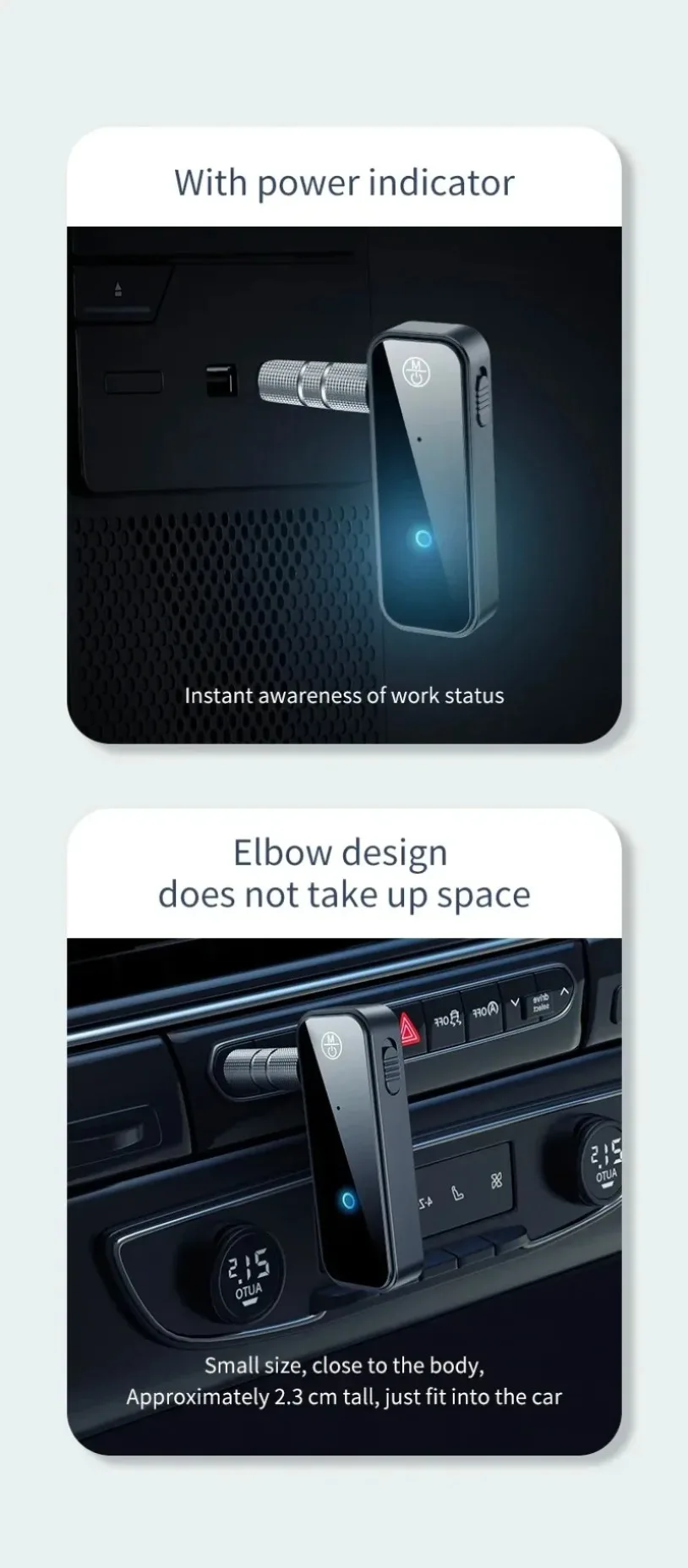
Measuring approximately 5.95 × 2.2 × 1.2cm, the lightweight C28 can be used inside a vehicle, beside a television or with portable audio equipment.
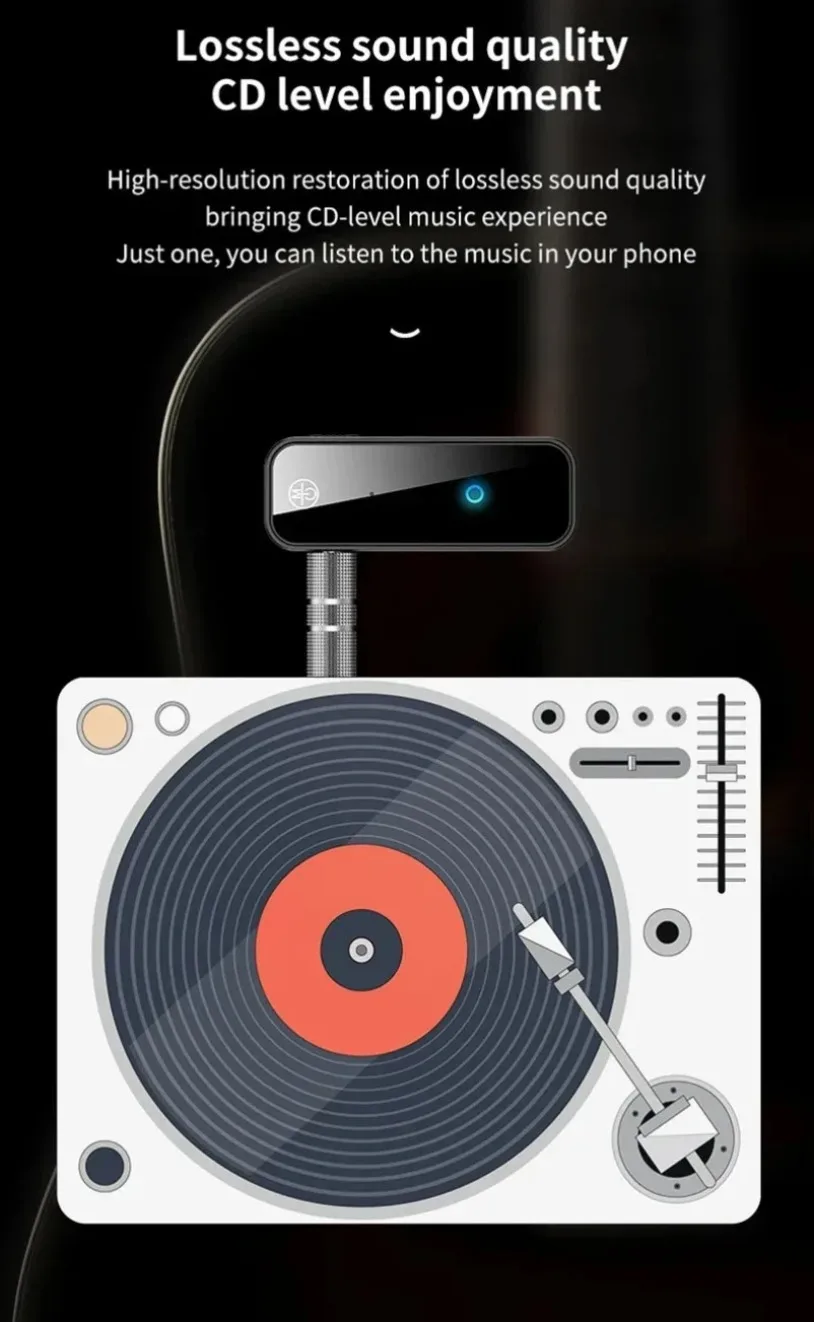
Clear Wireless Audio
A2DP support enables compatible stereo audio streaming for music, shows and other entertainment. For cleaner sound, the supplier recommends avoiding simultaneous charging and audio use because electrical interference may cause noise.
No low-latency audio codec is specified, so a noticeable delay may occur when watching television or video.
Key Features
- VIKEFON C28 Bluetooth audio adapter
- Two-in-one transmitter and receiver design
- Bluetooth 5.0 connectivity
- 3.5mm AUX audio connection
- Adds Bluetooth to older audio equipment
- Streams television audio to wireless headphones
- Adds wireless music to compatible car stereos
- Suitable for home audio systems
- A2DP stereo audio support
- Up to 10m or 33ft supplier-listed range
- Built-in rechargeable lithium-polymer battery
- Approximately 4–6 hours of operation
- Micro-USB charging
- Compact portable housing
- Simple central pairing button
- Compatible with smartphones and tablets
- Works with Bluetooth headphones and speakers
- Suitable for televisions, PCs and media players
- Black exterior colour
- Charging cable and audio converter included
Transmitter And Receiver Comparison
| Mode | Audio Direction | Connects To | Typical Use |
|---|---|---|---|
| Transmitter Mode | Wired Source to Bluetooth Device | TV, PC, Radio, CD or MP3 Player | Send sound to Bluetooth headphones or speakers |
| Receiver Mode | Bluetooth Device to Wired Audio System | Car Stereo, Home Stereo, Speaker or Amplifier | Stream music from a phone, tablet or laptop |
The C28 operates in the selected mode. Simultaneous transmitter and receiver operation is not confirmed.
Product Specifications
- Brand: VIKEFON
- Model: C28
- Product Type: Bluetooth Audio Transmitter and Receiver
- Design: Two-in-One TX/RX Adapter
- Bluetooth Version: Bluetooth 5.0
- Bluetooth Profile: A2DP Supplier-Listed
- Transmission Distance: Up To 10m or 33ft
- Audio Port: 3.5mm AUX
- Battery: Built-In Rechargeable Lithium-Polymer
- Working Time: Approximately 4–6 Hours
- Charging Input: Micro-USB, 5V/0.5A
- Charging During Audio Use: Not Recommended
- Pairing Control: Central Front Button
- Vehicle Compatibility: Supported With Compatible AUX Input
- Home Audio Compatibility: Supported With Compatible AUX Input
- Headphone Compatibility: Bluetooth Headphones
- Speaker Compatibility: Bluetooth and AUX-Equipped Speakers, Depending on Mode
- Smartphone Compatibility: Bluetooth-Enabled Smartphones
- Computer Compatibility: Depends on Available AUX Port and Selected Mode
- Antenna Type: External, According to Supplier
- Colour: Black
- Dimensions: Approximately 2.2 × 5.95 × 1.2cm
- Low-Latency Codec: Not Specified
- Microphone: Not Confirmed
- Hands-Free Calling: Not Confirmed
- USB Data Function: Not Confirmed
- USB Audio Function: Not Confirmed
Important USB Clarification
The supplier lists both a USB 3.0 interface and Micro-USB 5V/0.5A charging. The detailed product information identifies the Micro-USB port as the charging connection.
The C28 should not be advertised as a USB sound card, USB audio dongle or USB 3.0 data adapter until those functions are verified. Its main audio connection is the 3.5mm AUX port.
Package Contents
- 1 × VIKEFON C28 Bluetooth Transmitter and Receiver
- 1 × 3.5mm Audio Converter
- 1 × USB Charging Cable
- 1 × User Manual
A wall charger is not listed.
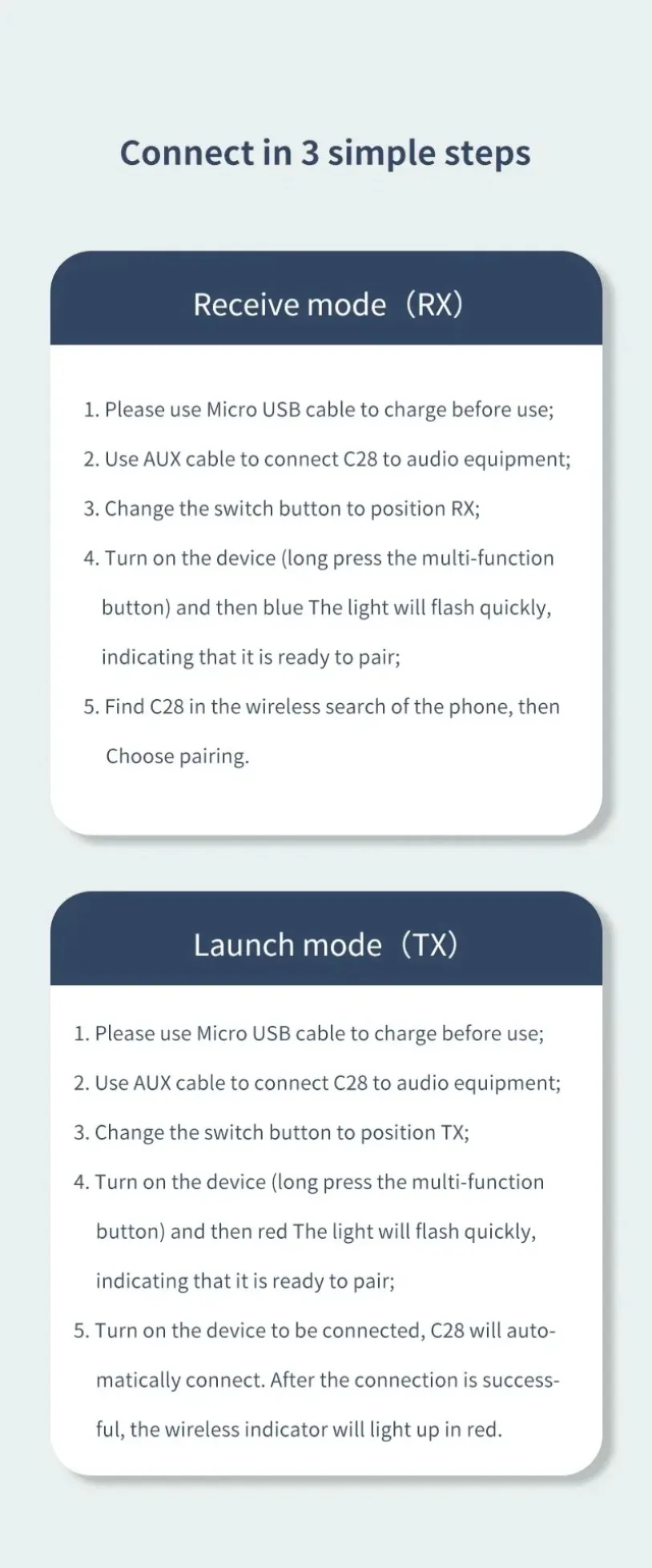
How To Use Transmitter Mode
- Charge the C28 before first use.
- Confirm that the source device has a compatible 3.5mm audio output.
- Select Transmitter or TX mode according to the device markings.
- Connect the C28 to the source’s audio-output port.
- Place the Bluetooth headphones or speaker into pairing mode.
- Press the C28 pairing button.
- Wait for the devices to connect.
- Play audio through the source device.
- Adjust volume through the source or connected listening device.
- Keep the adapter within a reasonable distance for a stable connection.
When using a television, select the correct headphone or external audio-output setting.
How To Use Receiver Mode
- Charge the C28 sufficiently.
- Select Receiver or RX mode.
- Connect the adapter to the car stereo, home stereo or speaker’s AUX input.
- Select AUX as the input source on the audio system.
- Turn on Bluetooth on the smartphone, tablet or laptop.
- Press the pairing button on the C28.
- Select the adapter from the device’s Bluetooth menu.
- Start playing music or other audio.
- Adjust the volume gradually.
- Disconnect Bluetooth or switch off the adapter when finished.
Pairing Tips
- Keep the devices close together during initial pairing.
- Disconnect previously paired devices if the C28 connects to the wrong one.
- Remove the adapter from the phone’s saved Bluetooth list before pairing again.
- Make sure only one nearby device is actively attempting to connect.
- Confirm that the correct TX or RX mode is selected.
- Restart both devices if pairing fails.
- Reduce nearby wireless interference where possible.
- Do not charge the adapter during pairing if electrical noise occurs.
Charging Instructions
- Switch off the adapter.
- Connect the included Micro-USB cable.
- Connect the other end to a compatible 5V USB power source.
- Allow the battery to charge according to the indicator and manual.
- Disconnect the charging cable after charging is complete.
- Avoid audio playback while charging when possible.
- Recharge the adapter before extended storage.
Exact charging time and indicator behaviour are not specified.
Audio Delay And Compatibility
Standard Bluetooth transmission may introduce delay between the picture and sound when watching television, gaming or editing video.
Because no low-latency codec is specified:
- Lip-sync delay may be noticeable.
- Gaming response may not be immediate.
- Music listening is generally less sensitive to latency.
- Results depend on both the adapter and connected Bluetooth device.
- Low-latency performance should not be advertised without codec confirmation.
Important Usage Information
- Confirm whether the connected port is an audio input or audio output.
- Transmitter mode requires an audio-output port.
- Receiver mode requires an audio-input port.
- The adapter does not convert incompatible digital-only audio by itself.
- Optical, HDMI ARC and RCA connections require appropriate converters if no 3.5mm port is available.
- Do not use the adapter while driving manually.
- Set up vehicle pairing before beginning a journey.
- Keep volume at a safe listening level.
- Do not use damaged charging cables.
- Keep the device away from moisture and extreme heat.
- Do not open, puncture or modify the built-in battery.
- Stop charging if the adapter becomes excessively hot or swollen.
- Audio quality depends on the source, connected equipment and Bluetooth environment.
- Hands-free calling should not be advertised until a microphone and call profile are confirmed.
- Remote video control and media-control functions are not confirmed.
- Avoid charging during playback if buzzing or interference is heard.
Frequently Asked Questions
What Does The VIKEFON C28 Do?
It can transmit audio from a wired source to Bluetooth headphones or receive Bluetooth audio from a phone and send it to an AUX-equipped stereo.
What Is The Difference Between TX And RX Mode?
TX mode sends audio to a Bluetooth device. RX mode receives Bluetooth audio and sends it through the 3.5mm connection.
Can It Add Bluetooth To A Car Stereo?
Yes, when the car stereo has a compatible 3.5mm AUX input.
Can It Send TV Audio To Bluetooth Headphones?
Yes, when the television has a compatible 3.5mm audio output.
Does It Work With A PC?
It can work with compatible computer audio ports. USB audio or sound-card functionality is not confirmed.
Does It Support Bluetooth 5.0?
Yes. Bluetooth 5.0 is listed in the detailed specifications.
What Is The Wireless Range?
The supplier lists a maximum distance of approximately 10m or 33ft under suitable conditions.
How Long Does The Battery Last?
The supplier lists approximately four to six hours, depending on volume and usage conditions.
Which Charging Port Does It Use?
The detailed specification lists a Micro-USB charging input rated at 5V/0.5A.
Can It Be Used While Charging?
The supplier recommends against this because simultaneous charging and playback may introduce noise.
Does It Support Hands-Free Calls?
A microphone and Bluetooth calling profile are not confirmed. Do not rely on this product for hands-free calling until verified.
Does It Support Low-Latency Audio?
No low-latency codec is specified. Audio delay may be noticeable while watching videos or playing games.
Can It Connect To Two Headphones At Once?
Dual-device transmission is not confirmed.
Is The 3.5mm Converter Included?
Yes. One 3.5mm audio converter is listed in the package.
Is A Wall Charger Included?
No wall charger is listed. Only the USB charging cable is included.


Additional Information
Shipping & Return
Last updated: January 15, 2026
Goodify Mart ships to customers in the United States, United Kingdom, and Canada.
Processing Time
Orders are typically processed within 1–3 business days (excluding weekends and holidays). During high-demand periods, processing may take slightly longer.
Estimated Delivery Time
Delivery times vary by destination and product availability:
- United States: 7–15 business days
- United Kingdom: 7–15 business days
- Canada: 7–15 business days
These are estimated timeframes and may change due to carrier delays, customs processing, weather, or other factors outside our control.
Shipping Costs
We offer free shipping on eligible orders. Any shipping charges (if applicable) will be shown at checkout before you complete your purchase.
Tracking Information
When your order ships, you will receive a tracking number by email (if tracking is available for your shipment). Tracking updates may take 24–72 hours to appear after the order is dispatched.
Address Accuracy
Please ensure your shipping address is correct at checkout. If an order is returned due to an incorrect or incomplete address, you may be responsible for reshipping costs.
Customs, Duties & Taxes
For international shipments (including UK/Canada depending on the product route), customs duties or taxes may apply. These fees are determined by your local authorities and are the customer’s responsibility.
Lost or Delayed Packages
If your order is delayed beyond the estimated delivery window, please contact us and we will help you investigate with the carrier. If a package is confirmed lost in transit, we will work with you on a suitable resolution.
Contact: goodifymart@gmail.com
Reviews
My Wishlist
Wishlist is empty.
Compare
Shopping cart